Writing messages
Emojis
Autocomplete, emoticon conversion and the unified picker — Unicode plus community emojis.
Three ways in:
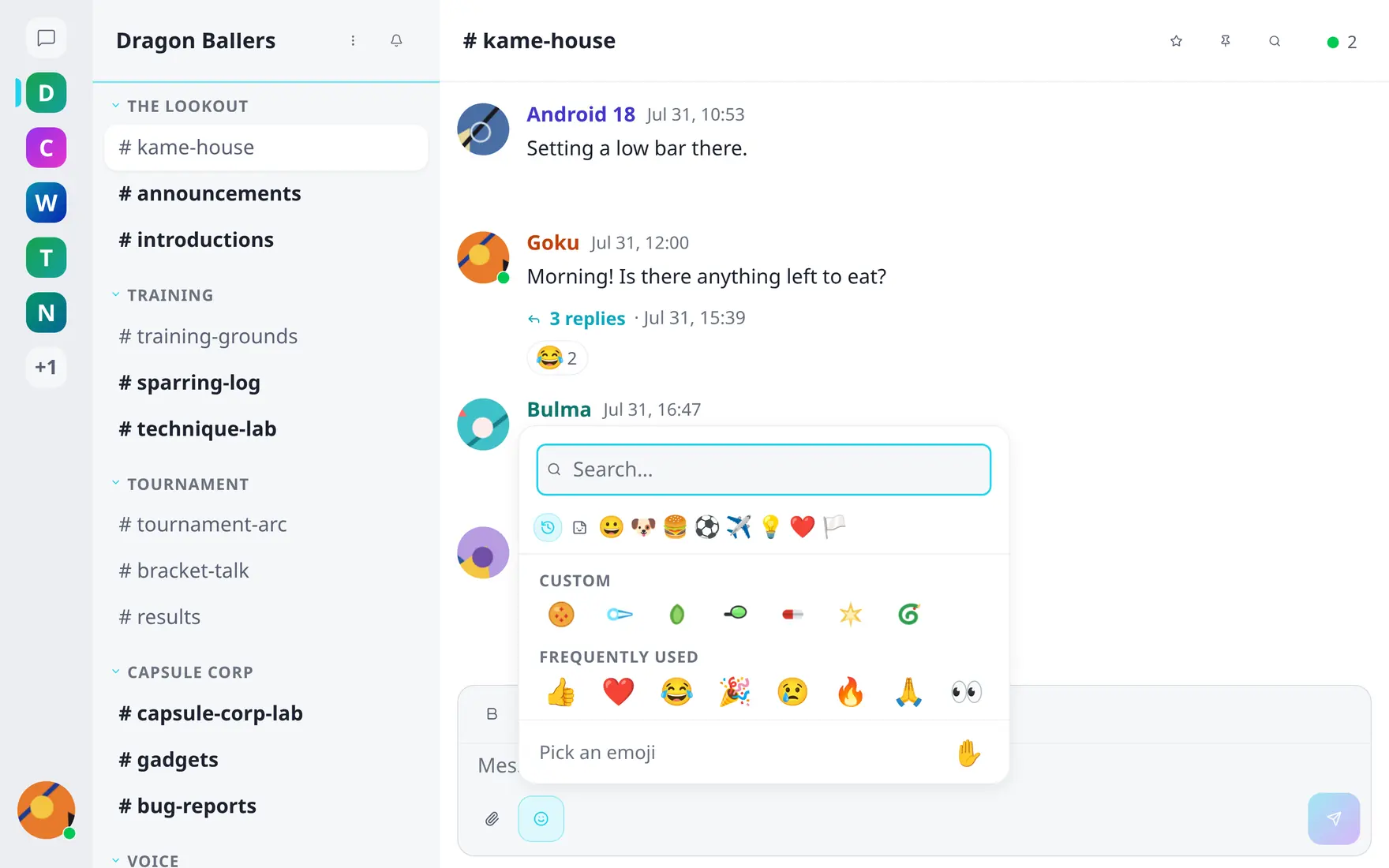
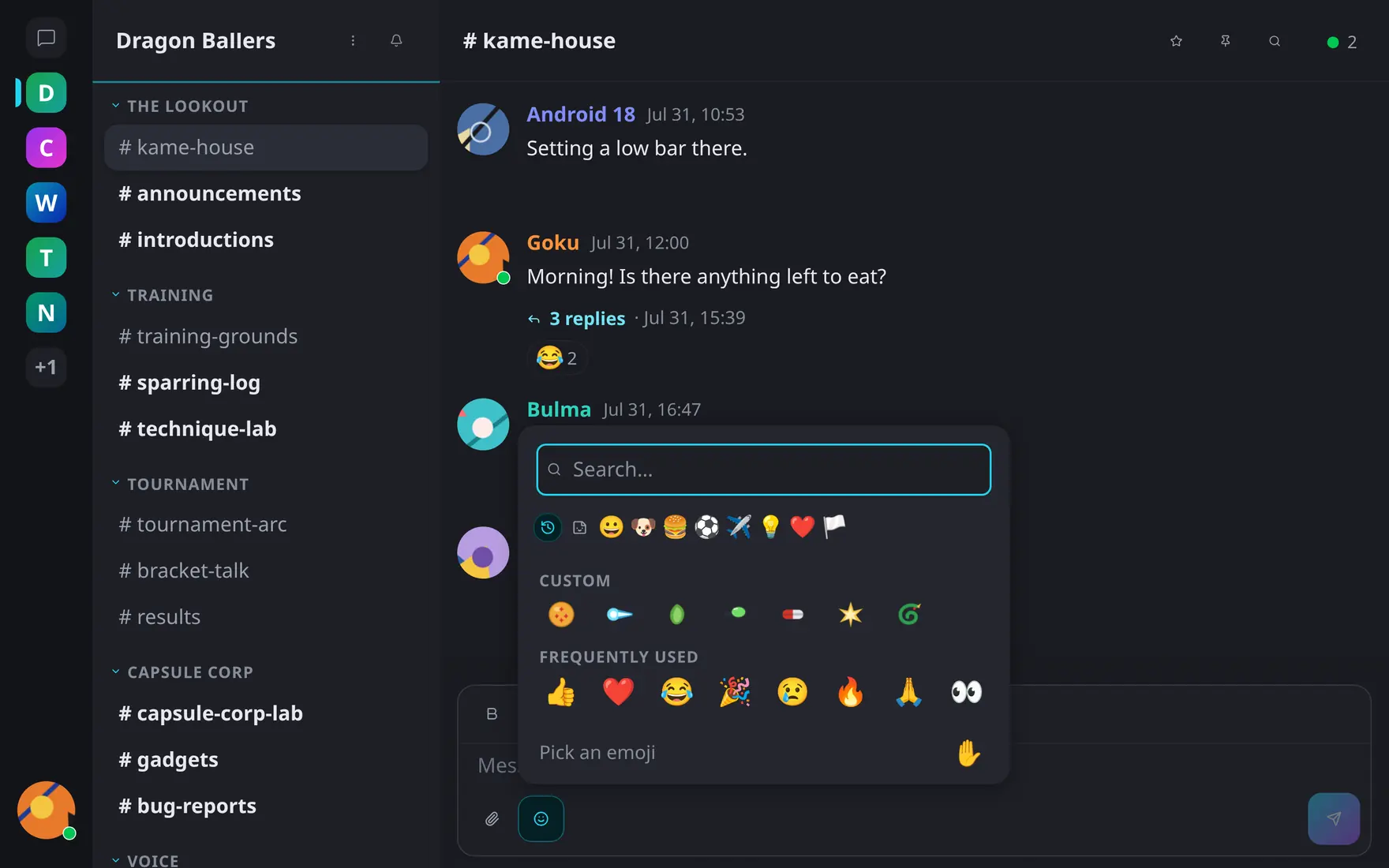
The picker: search, categories, community emojis and your frequently-used row.
- Autocomplete — type
:shortand matching emojis appear — Unicode plus the community’s custom emojis;:shortcode:renders as the image in place. - Emoticons — classics like
:Dand;)convert as you type. A Preferences toggle turns the conversion off. - The picker — the smiley button opens the full grid: search, categories, skin tones, your frequently-used row, and community emojis side by side with Unicode. Emoji names and search are localized to your language.
The same picker serves reactions. In direct messages the set is Unicode-only — community emojis stay in their community.