Usage
Direct messages
Private conversations — starting them, group DMs, mute, unread and what works inside.
The chat-bubble icon in the rail opens your conversations, sorted unread-first; its badge counts unread DMs.
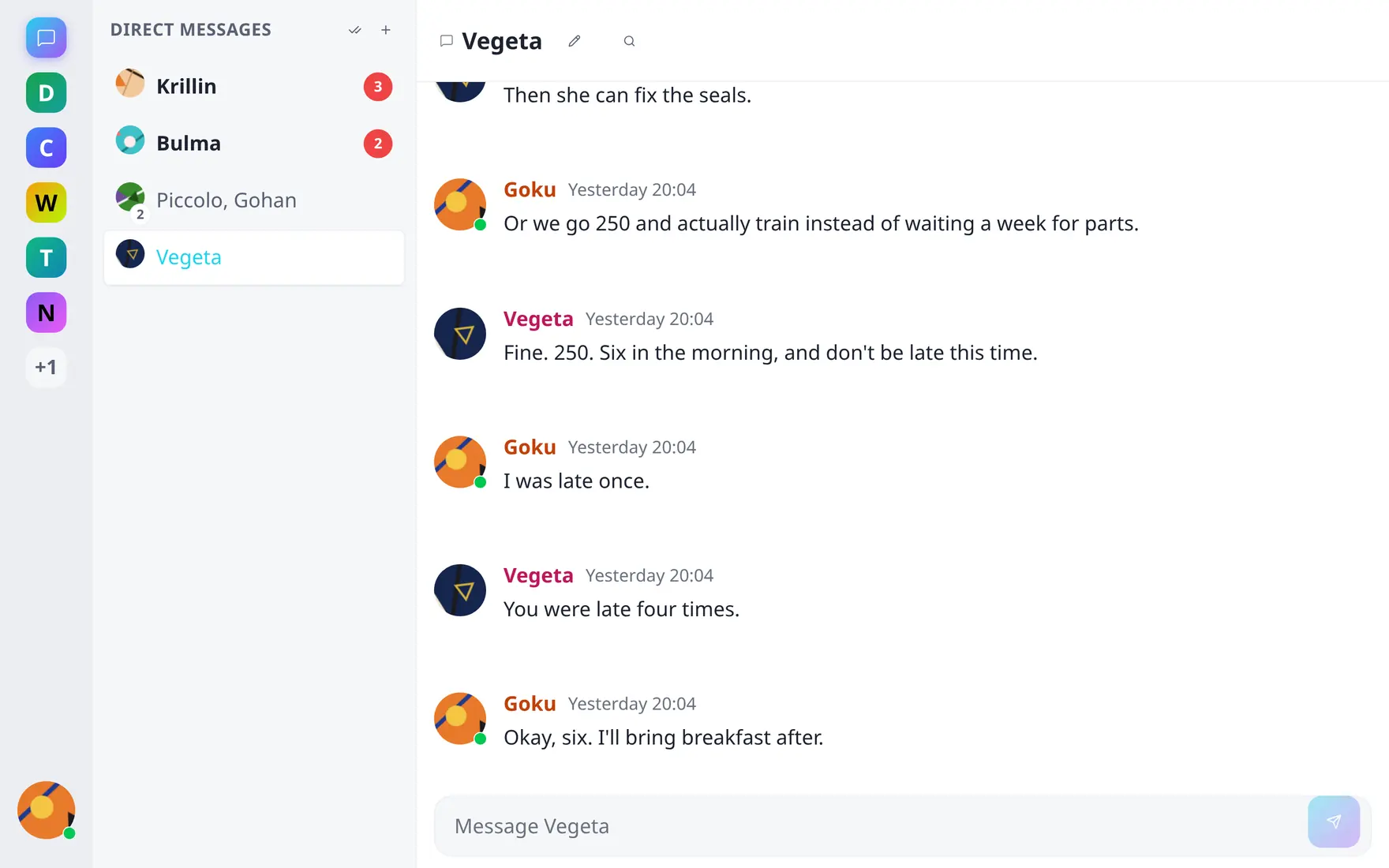
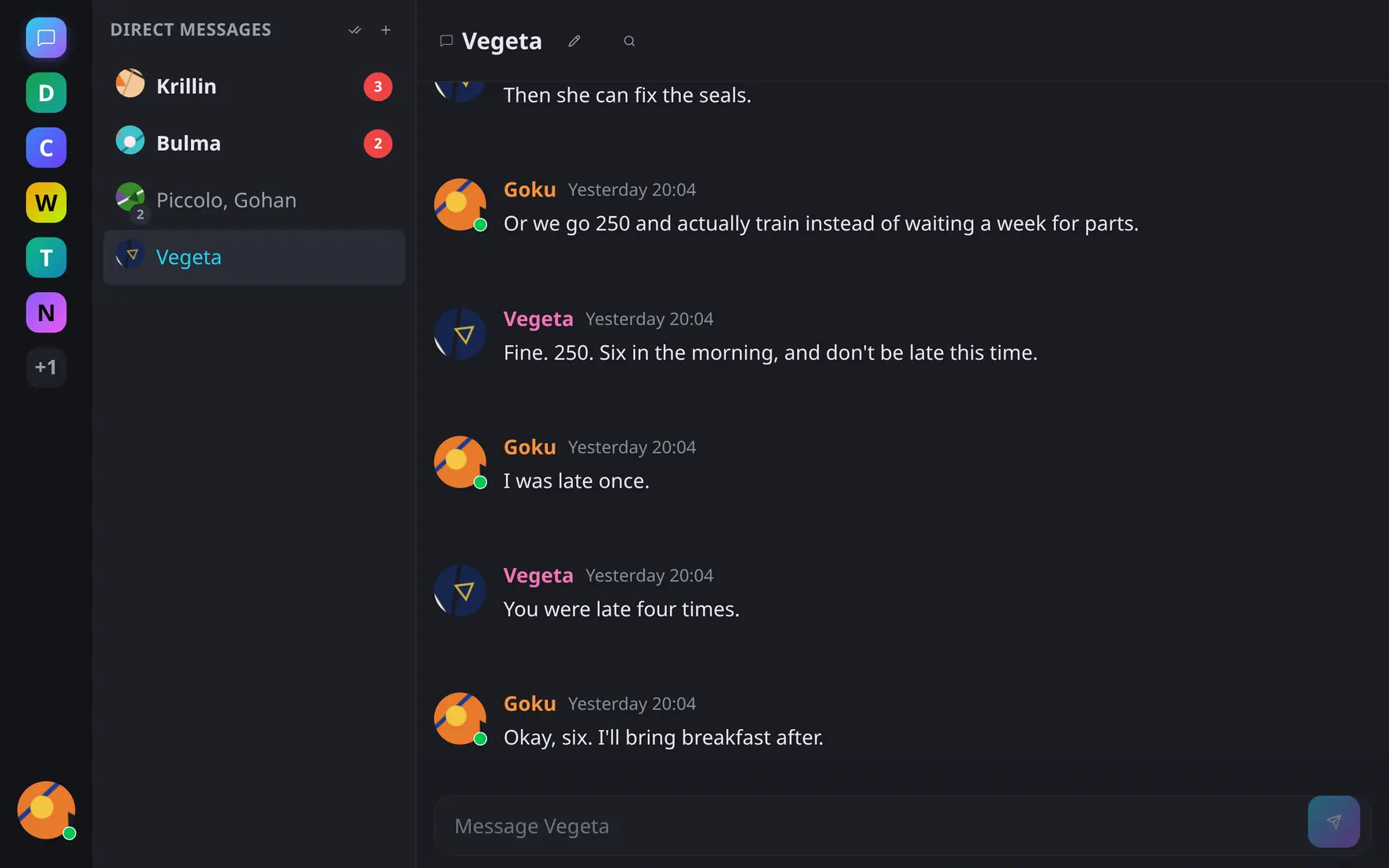
Conversations sort unread-first; the badge on each row counts what you haven't read.
Starting a conversation
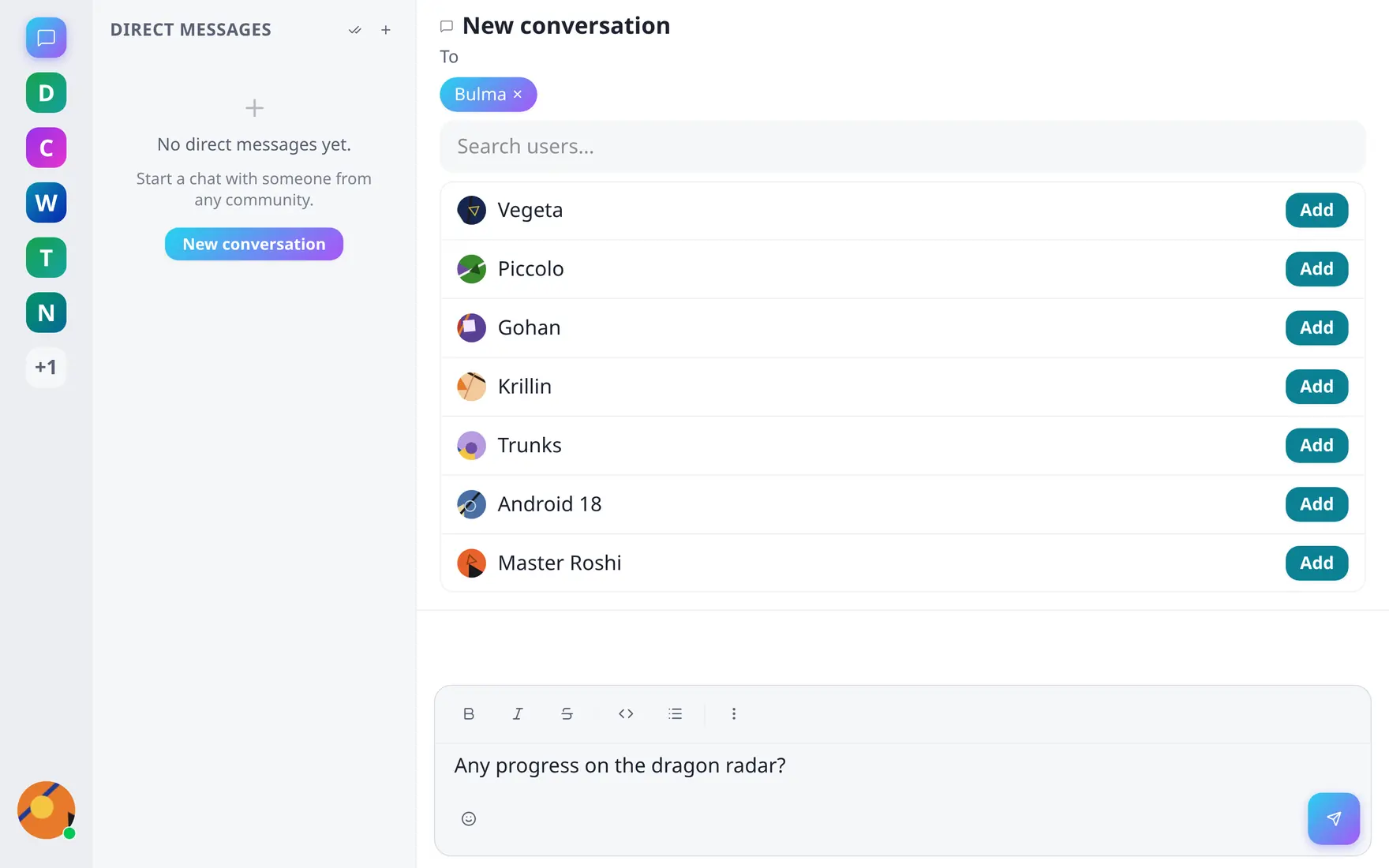
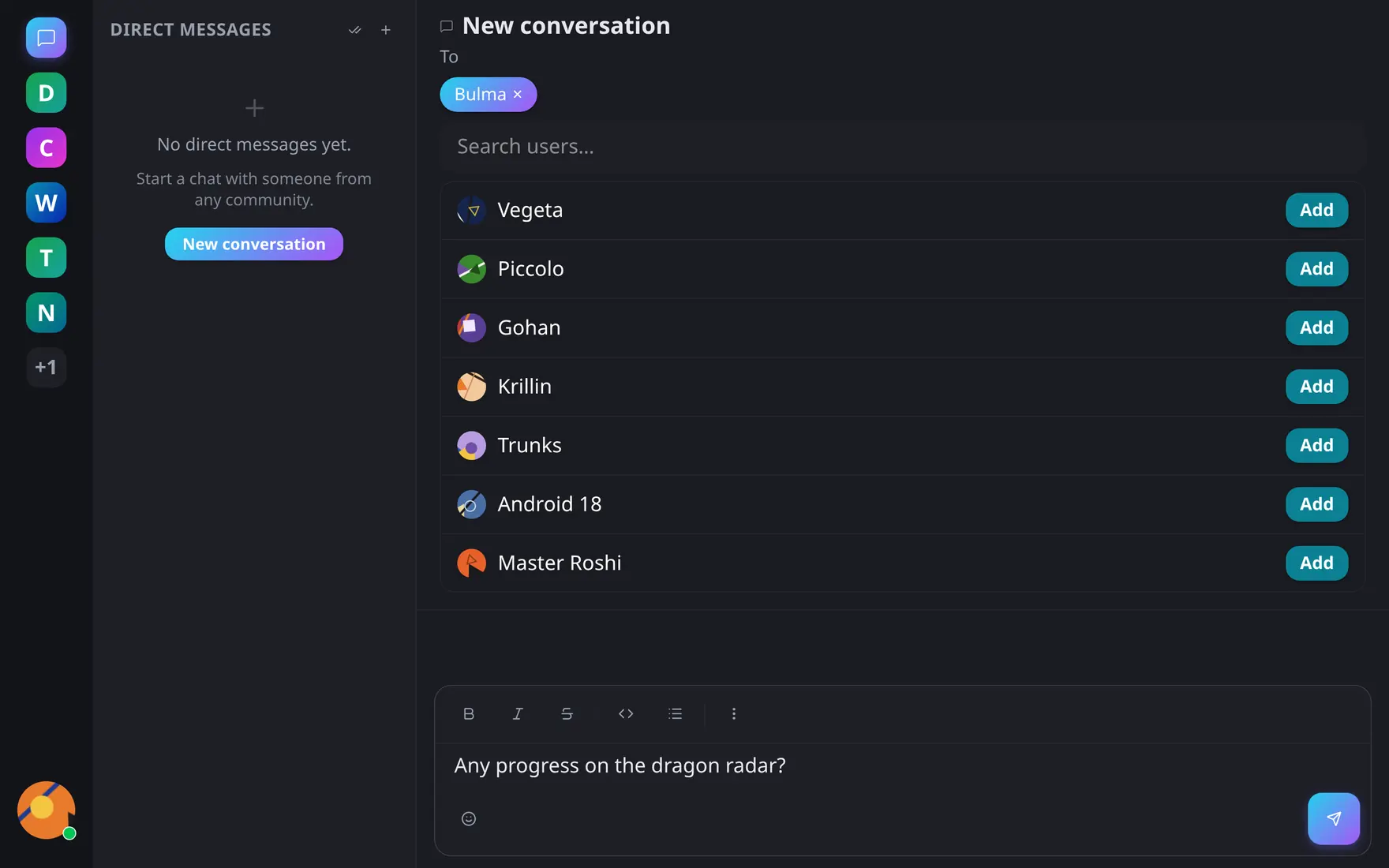
Pick recipients and type the first message — the conversation is only created when you send.
New conversation lets you pick one or several recipients and write the first message — the conversation is only created when you send, so browsing people never litters empty threads. You can also hit Send DM on any profile card. Reopening the same set of people always lands in the same conversation: one conversation per exact participant set, and the set is fixed — need someone added? Start a new conversation with the larger group.
You can DM anyone you share at least one community with.
Inside a conversation
Nearly everything from channels works: the full editor, attachments, threads and permalinks, per-conversation search. Reactions are Unicode-only (custom emojis belong to communities). No pins, no channels-style moderation.
Conversations are strictly between the participants — even server admins can’t read them through the API.
Mute & read state
The conversation menu offers mute (silence notifications for a period or until turned off) and mark as read. Unread counts are per-person and drive the sidebar ordering and the rail badge.