Usage
Signing up & signing in
Registration, login, password resets and what happens to your session.
Creating an account
When the server has open registration, Create account walks you through two steps:
- Your email address
That’s the whole first step — we mail you a verification code.
- The code, plus your details
The code from that email, a display name and a password. Servers with consent enabled add a checkbox for the terms and privacy policy — both readable in place — and servers with a minimum age add a date of birth.
There’s no avatar step during sign-up; add one later from your profile. On a closed server, accounts come from an admin (provisioning) or an invite email.
New users get a short welcome wizard on first login — two steps, profile and the communities open to join.
Signing in
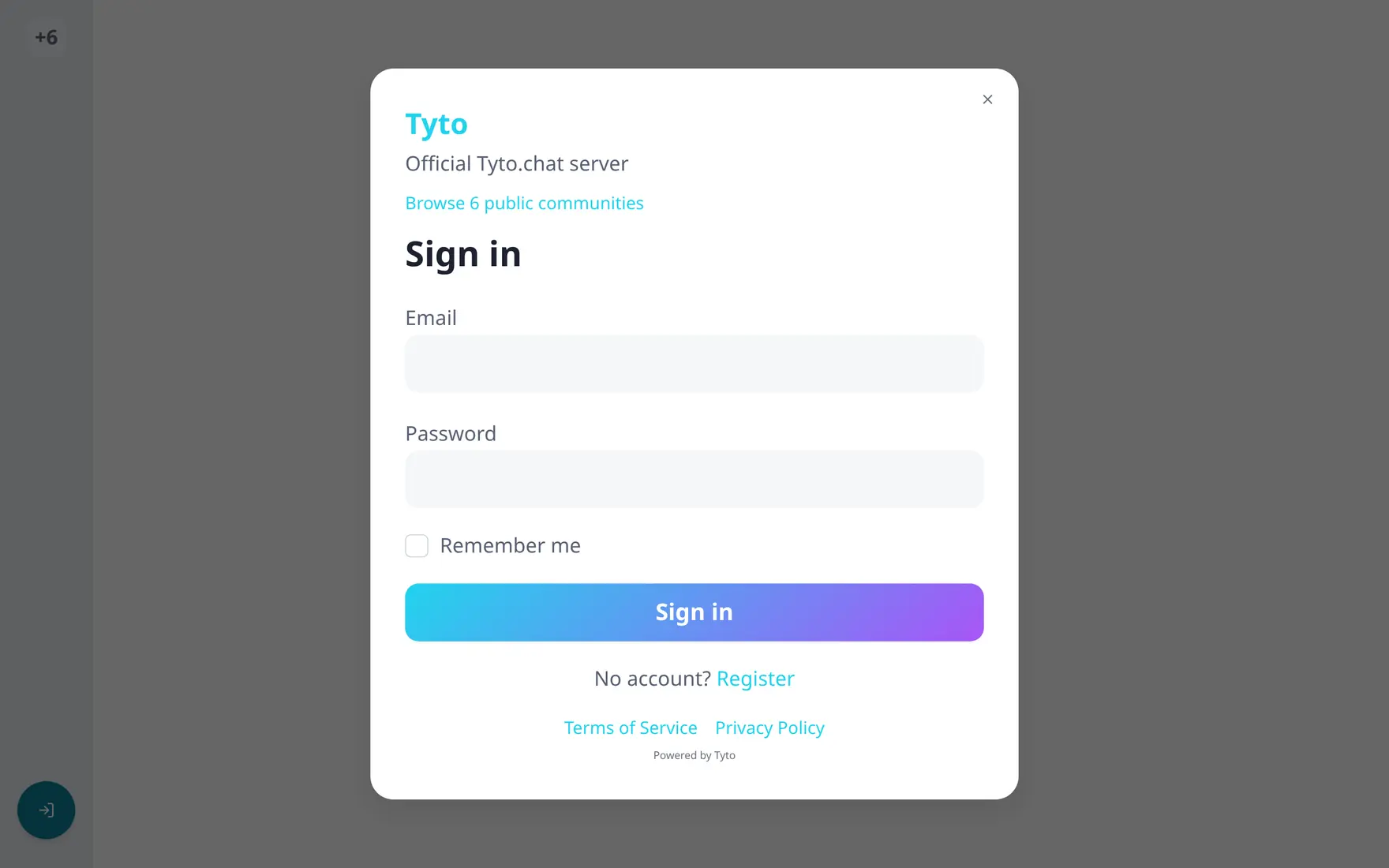
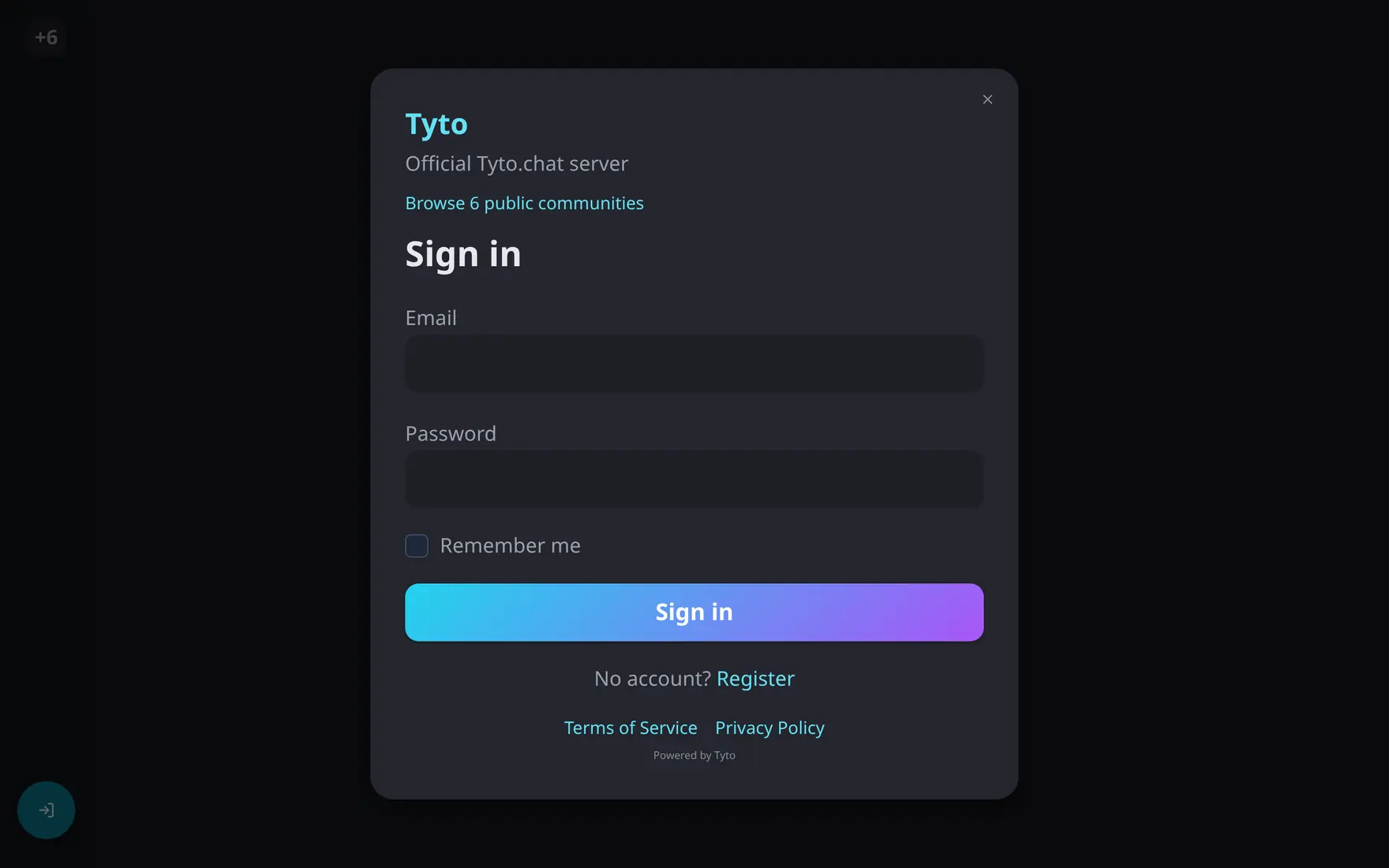
The sign-in screen carries the server branding — and lets you browse public communities first.
Email + password. If your account has two-factor
authentication
enabled, a second step asks for the 6-digit code from your authenticator
app — or a recovery code — before the session is issued. Sessions use
short-lived tokens refreshed silently in the background; signing out ends
the session everywhere in that browser. If you’re already signed in,
/login just bounces you home.
Forgot your password?
Reset password sends a time-limited code to your email (requires the server to have mail configured); changing a known password happens in Preferences → Account & Security.
Account deletion pending?
If you’ve requested deletion, signing in during the grace period shows a gate with the purge date and a one-click cancel deletion — after that, the account signs in normally again.