Usage
Voice & video
Voice channels — joining, push-to-talk, devices, background blur, camera and screen sharing.
Click a voice channel to join it. The connection persists while you browse other channels — a dock shows the live call with mute/leave controls, and the channel’s member list shows who’s in, with speaking indicators. Others see you as Online while connected.
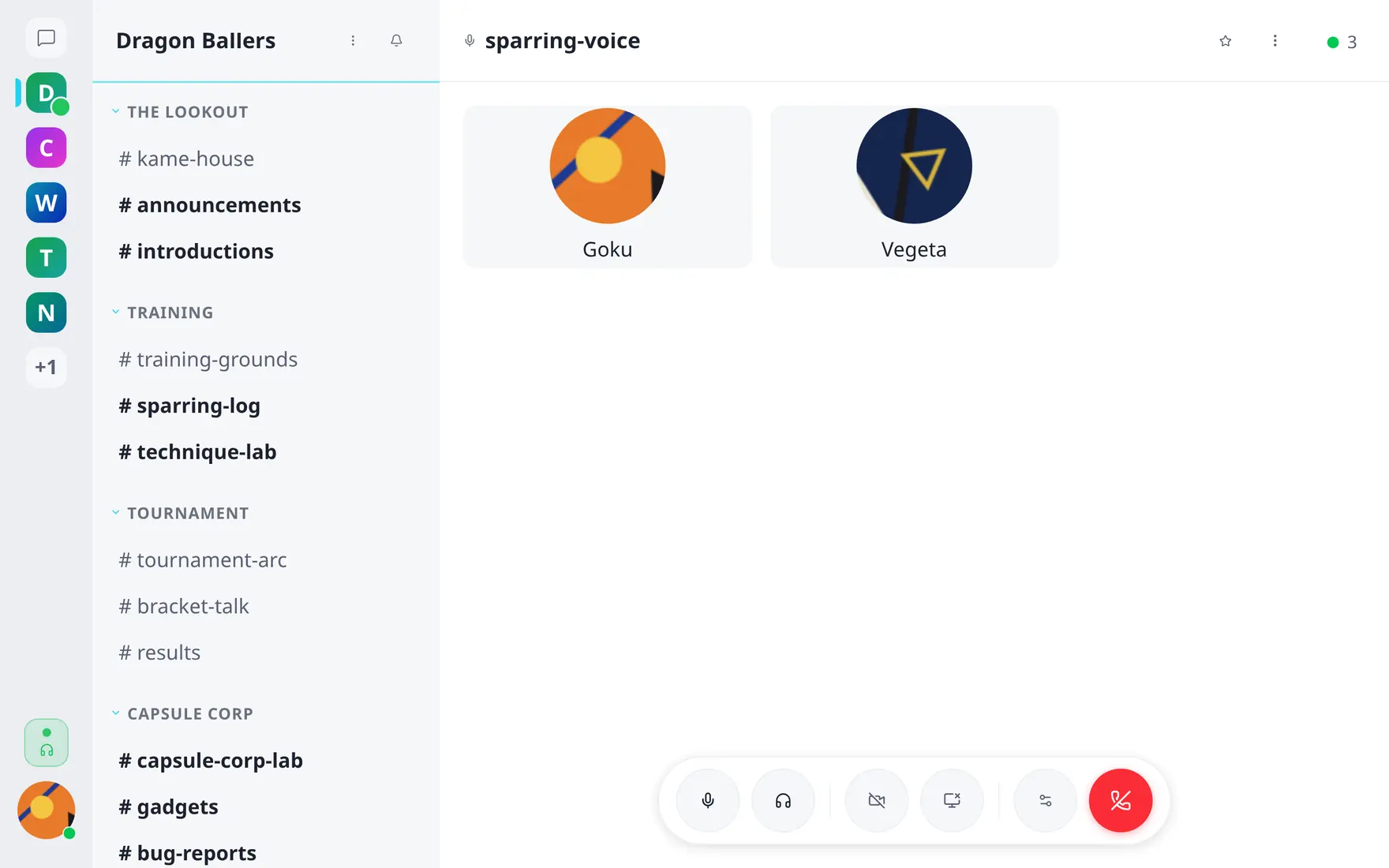
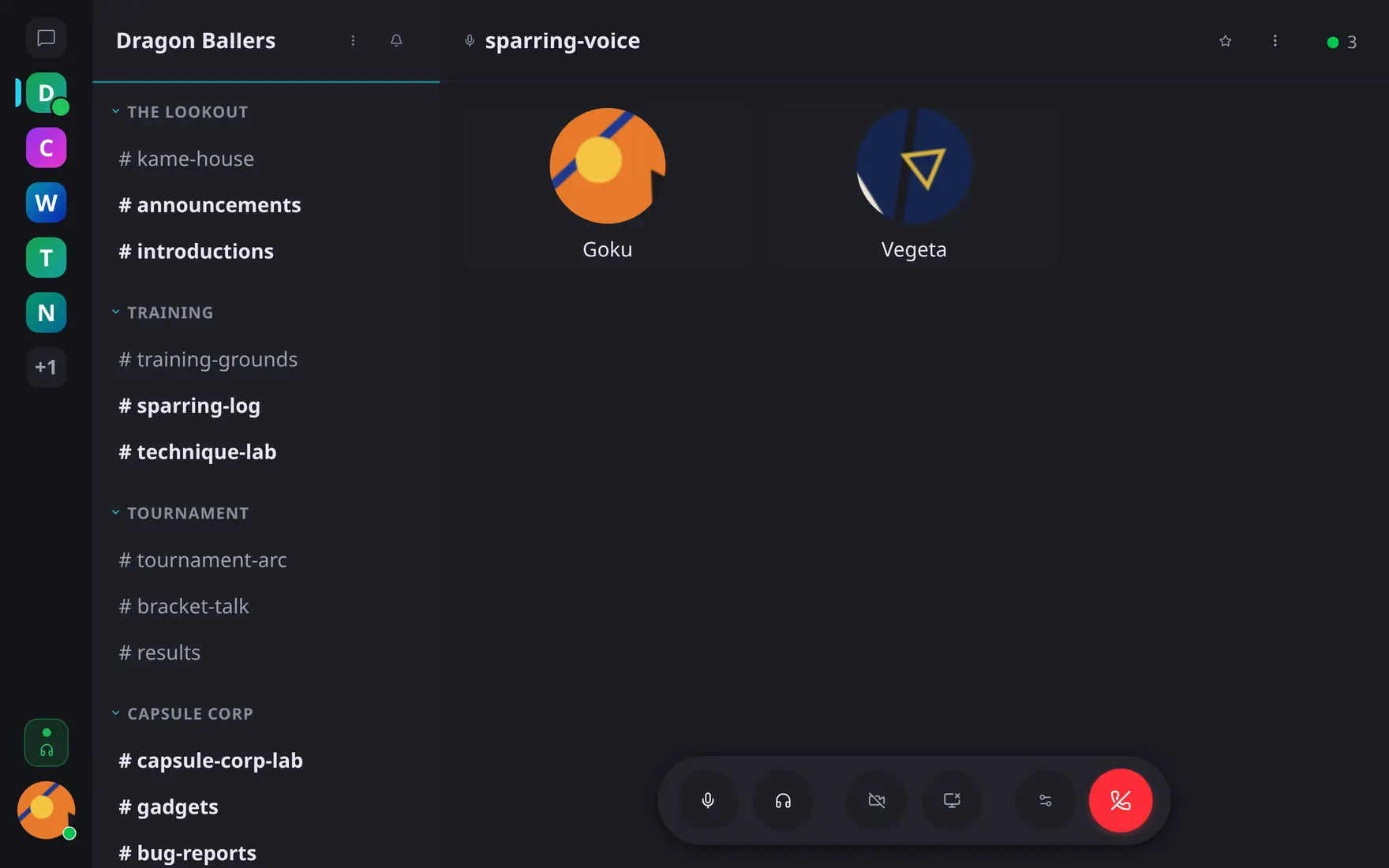
A live call: participant tiles plus the dock with mute, deafen, camera, screen share and leave.
Microphone
Two modes, set in Preferences → Voice & Video → Voice mode:
- Open mic — always transmitting (with noise suppression, toggleable).
- Push-to-talk — transmit only while holding the configured key.
Input gain and output volume have their own sliders; input/output devices are selectable with a pre-join preview screen, so you can check levels before entering a room.
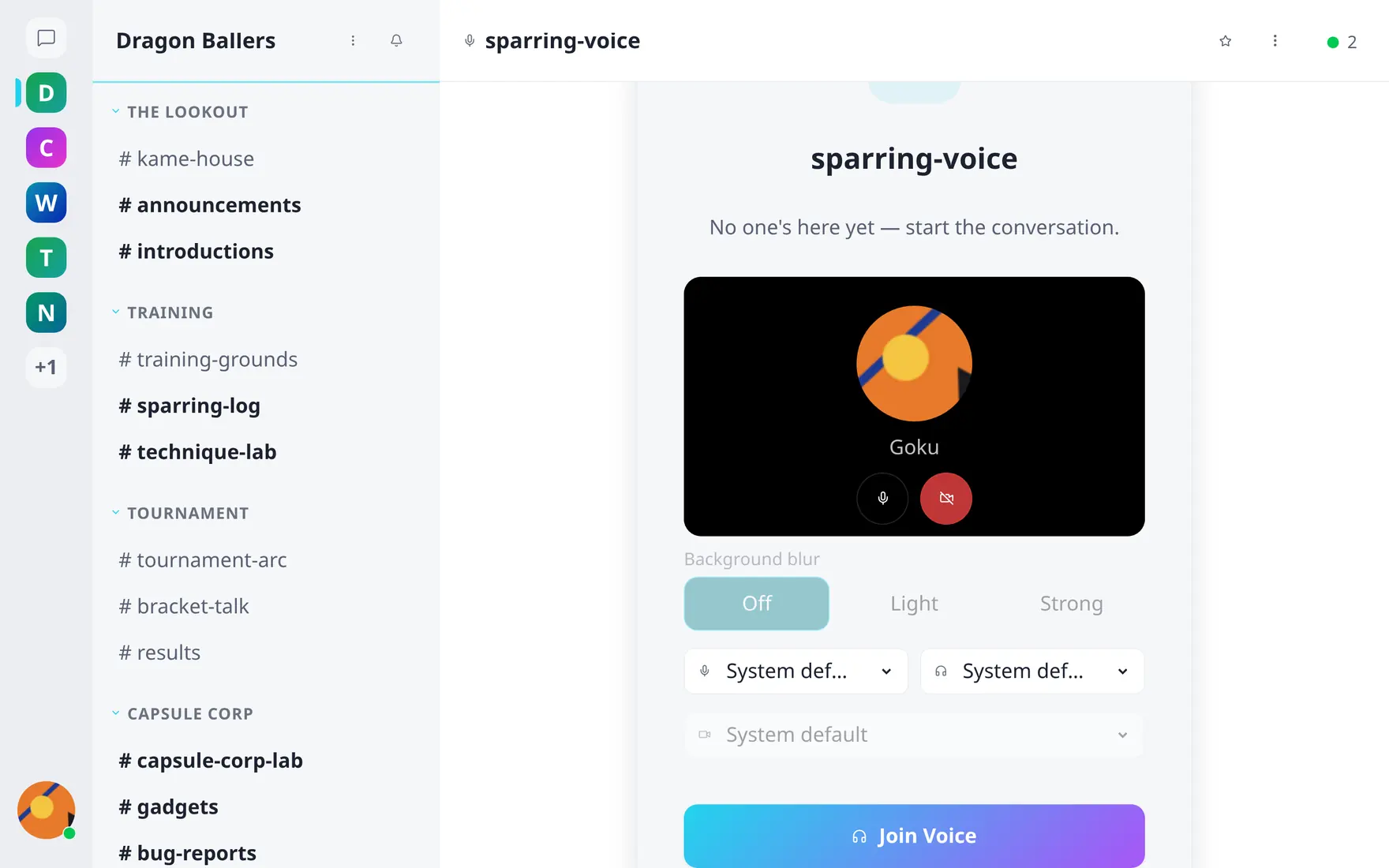
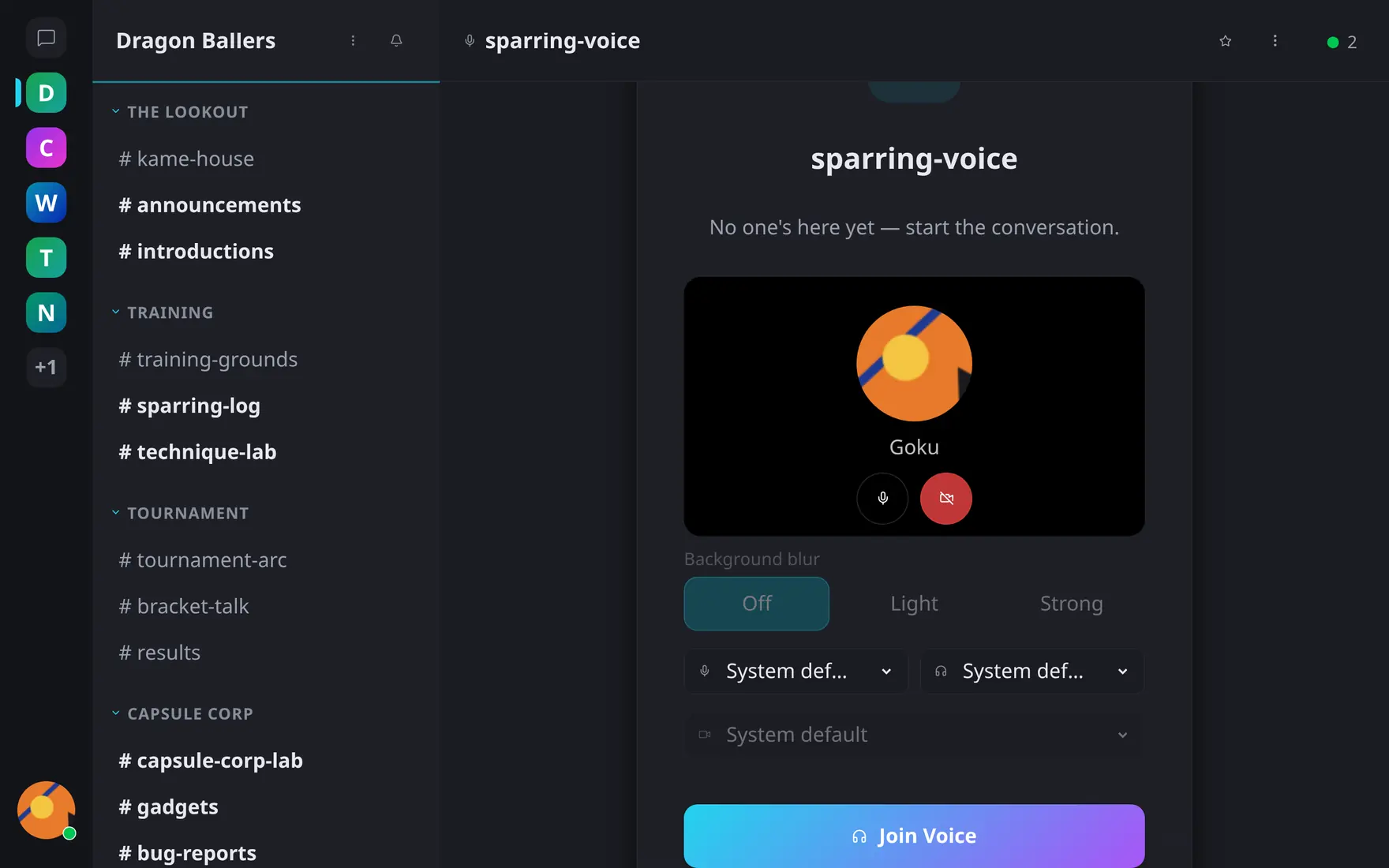
The pre-join screen: check devices, preview the camera and pick blur before joining.
Camera & screen sharing
Inside a call: camera on/off (with optional background blur, preview available in Preferences → Voice & Video → Video) and screen sharing. Tiles lay out automatically; a speaking participant is highlighted.
When voice is off
A server can run text-only (VOICE_ENABLED=false) —
voice channels and all related UI simply don’t appear.