Administration
First-run setup wizard
The five-step wizard that greets a new server's admin on first login, covering branding, the first community, registration, and mail delivery.
The setup wizard opens automatically the first time the server’s admin account logs in, and stays open on every subsequent login until it’s finished or skipped. It walks through five short steps — Branding, Community, Registration, Mailer, Finish — each backed by the same settings you’ll find later in Admin → Settings, so nothing typed here is wizard-only. Closing it early (the Skip for now link or clicking outside the dialog) marks setup as done just like clicking through to the end; it won’t reappear on its own afterwards, but you can bring it back any time — see Running it again.
Branding
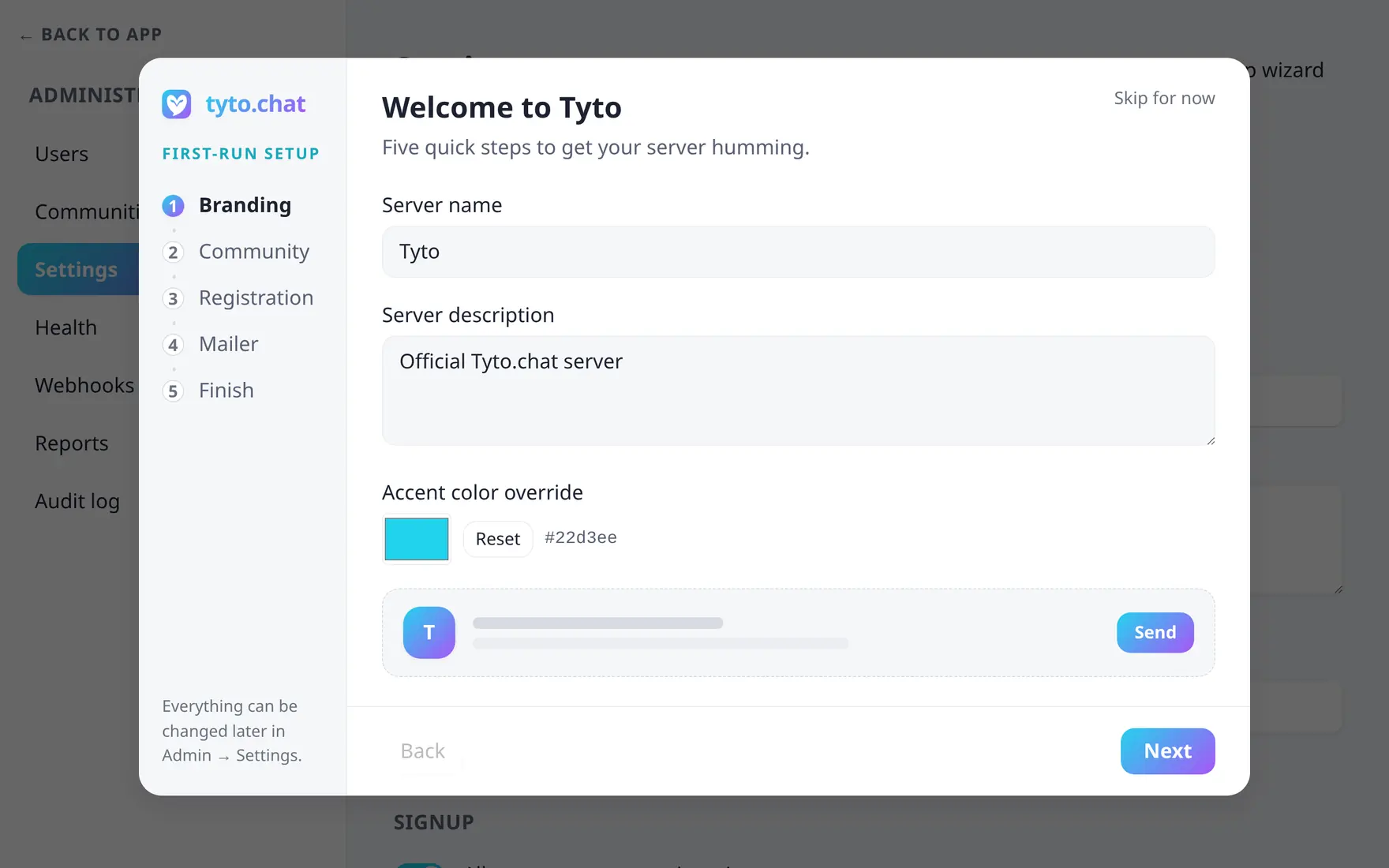
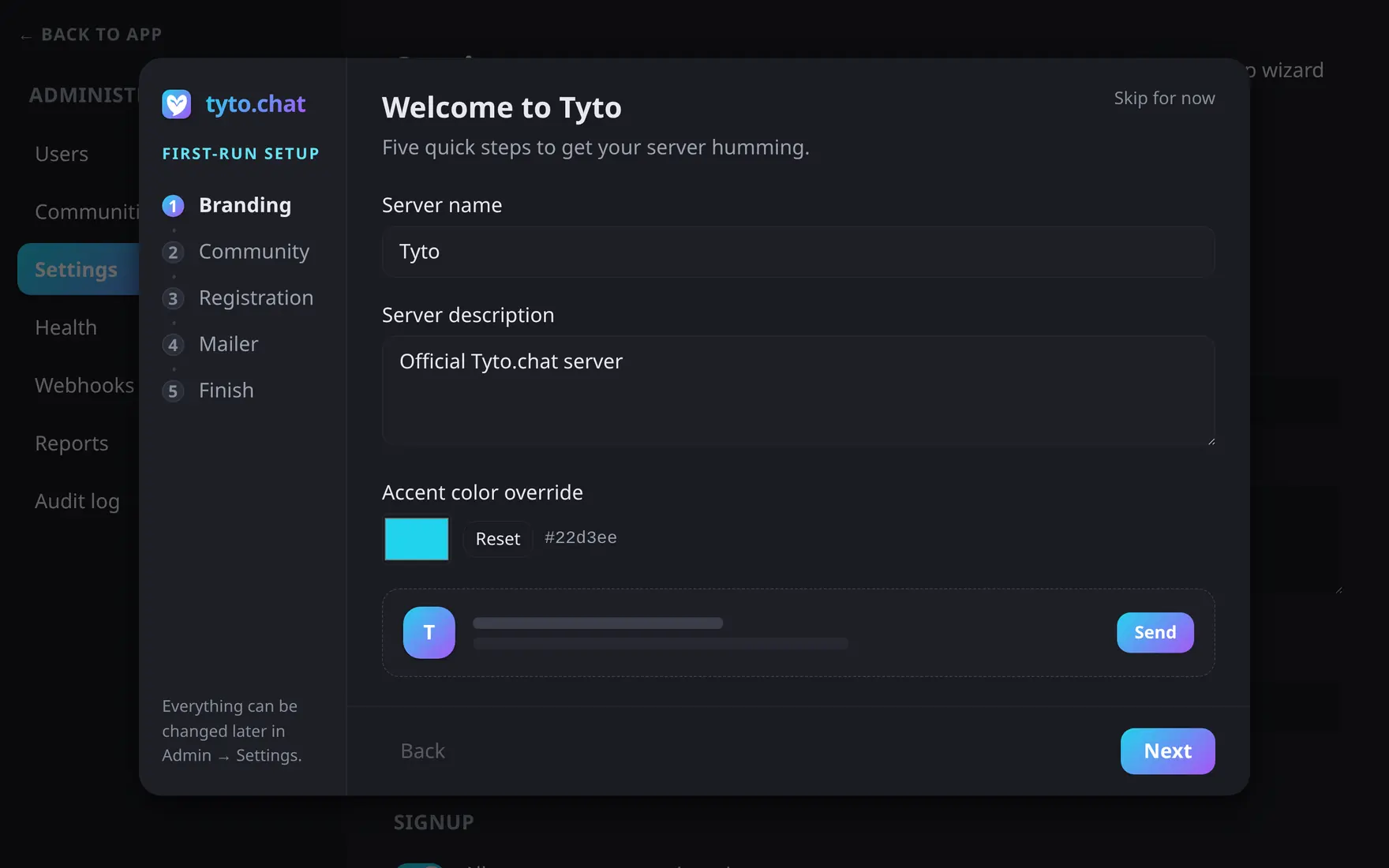
Step one: name the server and pick its accent — the rail tracks your progress.
Set the server name (required — it drives the sidebar and browser title) and an optional description. The accent color picker updates a live preview card as you type; leave it on the default and it pairs with Tyto’s own brand gradient, or pick a custom color and the wizard derives a matching second gradient stop for you.
Community
Create the server’s first community — a name, optional description, and a Private switch (invite-only, hidden from the public list). There’s no obligation to do this now: Skip — I’ll create one later moves on without creating anything, and you can create communities from the sidebar at any time.
Registration
Choose between two cards: Open registration (anyone with the URL can sign up) or Invite-only (the sign-up form is hidden — invite links and admin-created accounts only). Leaving registration open surfaces a reminder that you can screen sign-ups against a spam blocklist — see Anti-spam — from Admin → Settings → Moderation.
Mailer
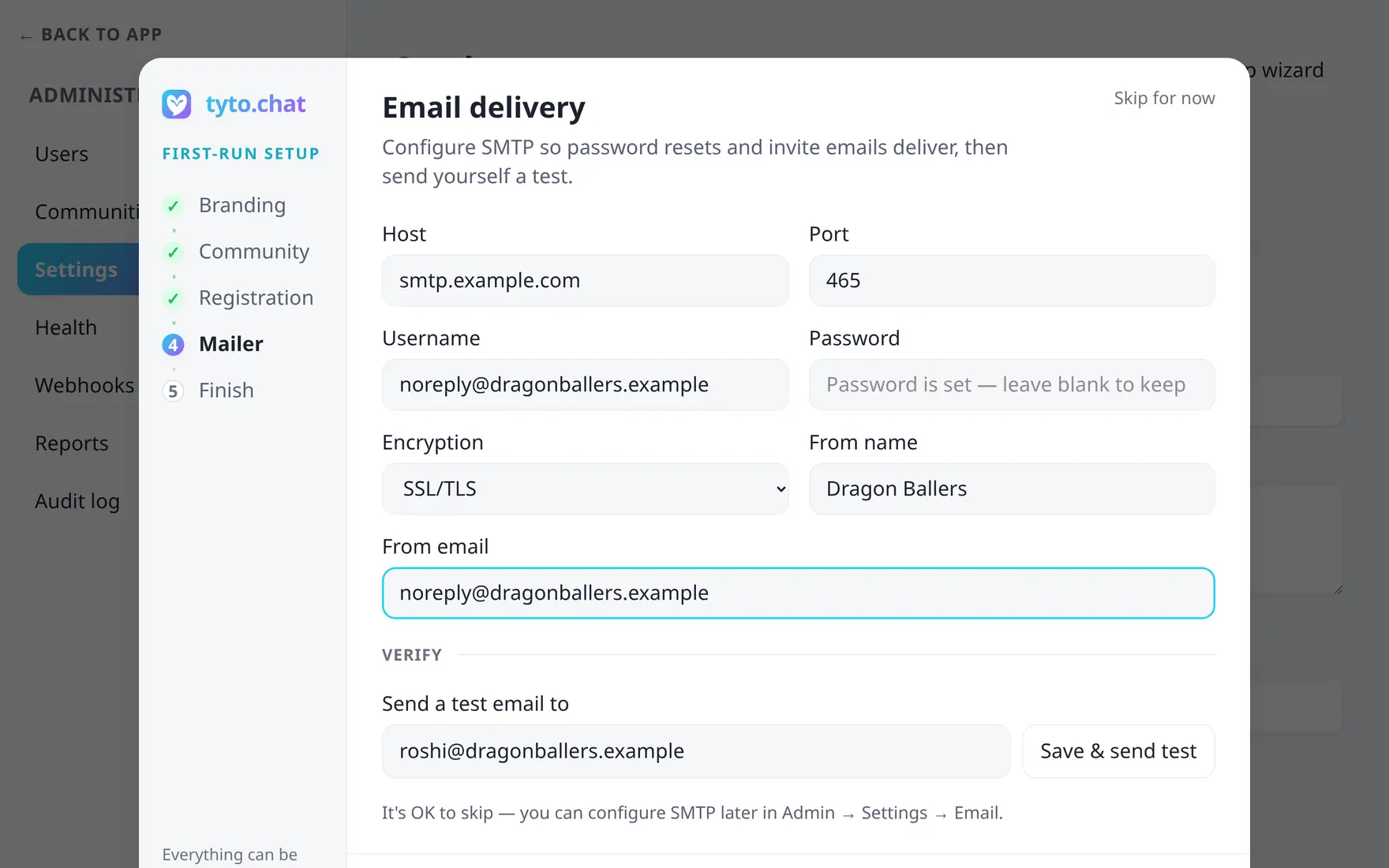
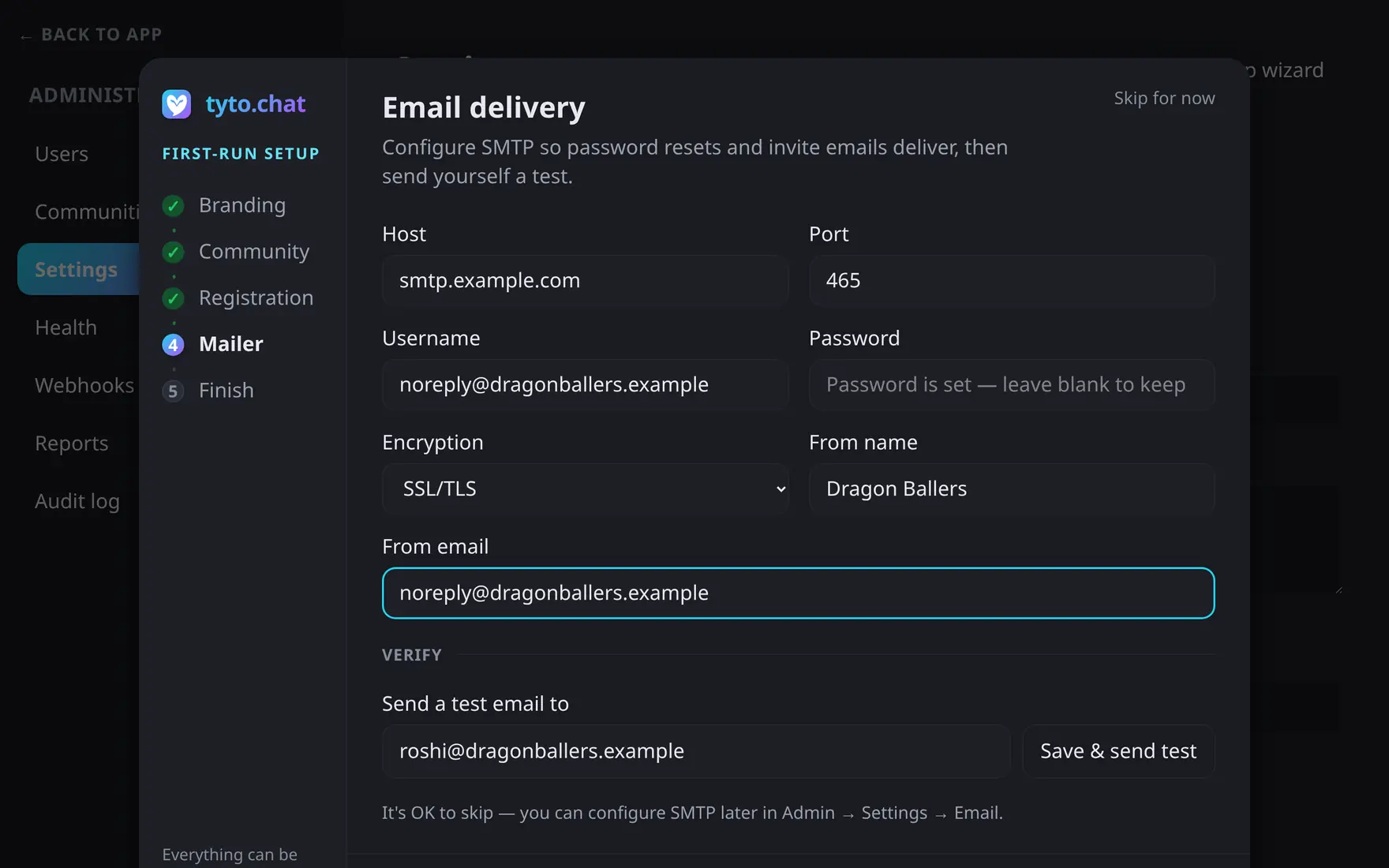
Configure SMTP and send yourself a test — or skip and come back later.
This step configures the full SMTP connection inline — host, port, username, password, encryption mode, and the from-name/from-address used on outgoing mail — then lets you Save & send test to a chosen address before moving on. It’s entirely skippable: without a mailer, password resets and invite emails simply won’t deliver until you configure one later at Admin → Settings → Email.
Finish
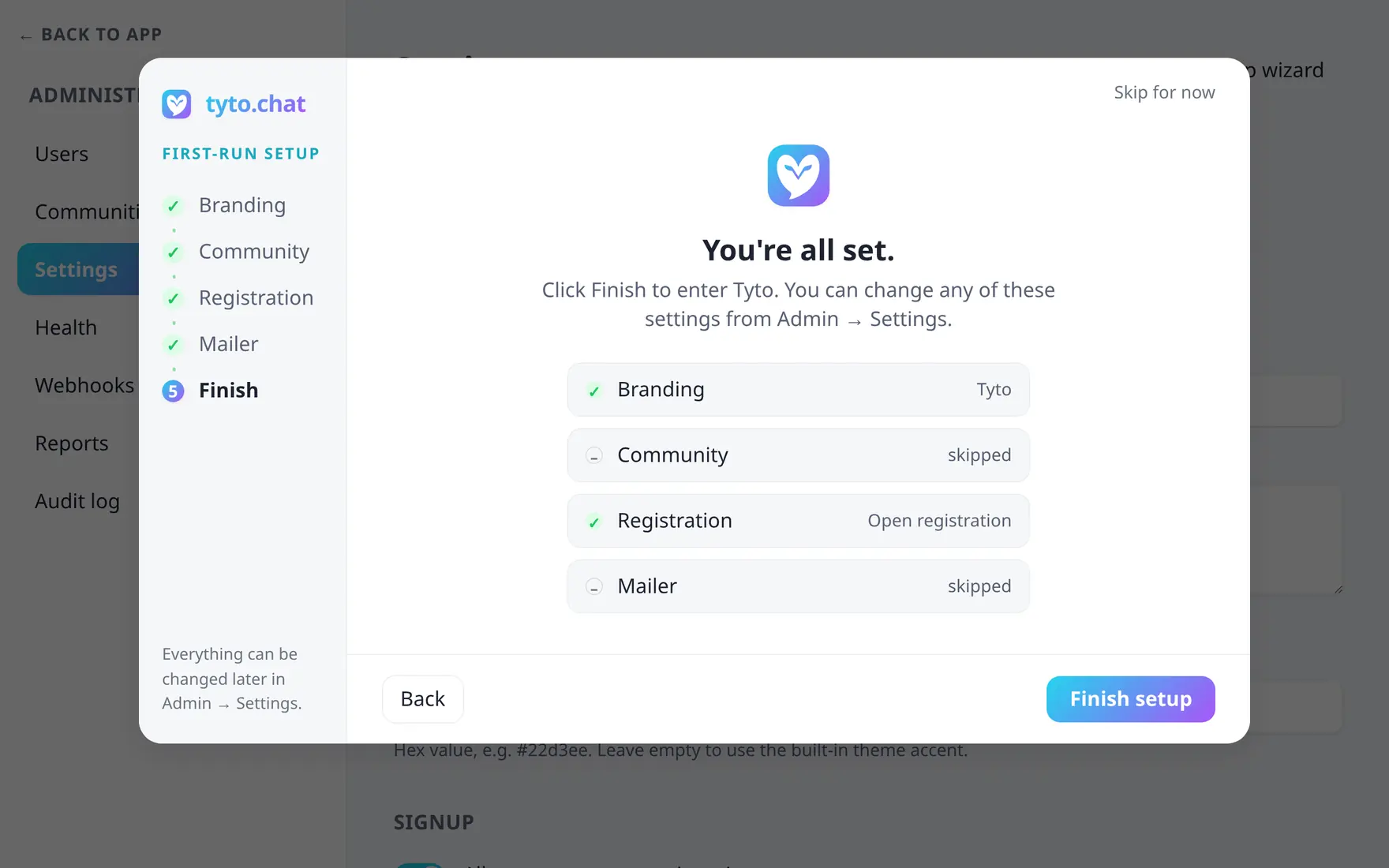
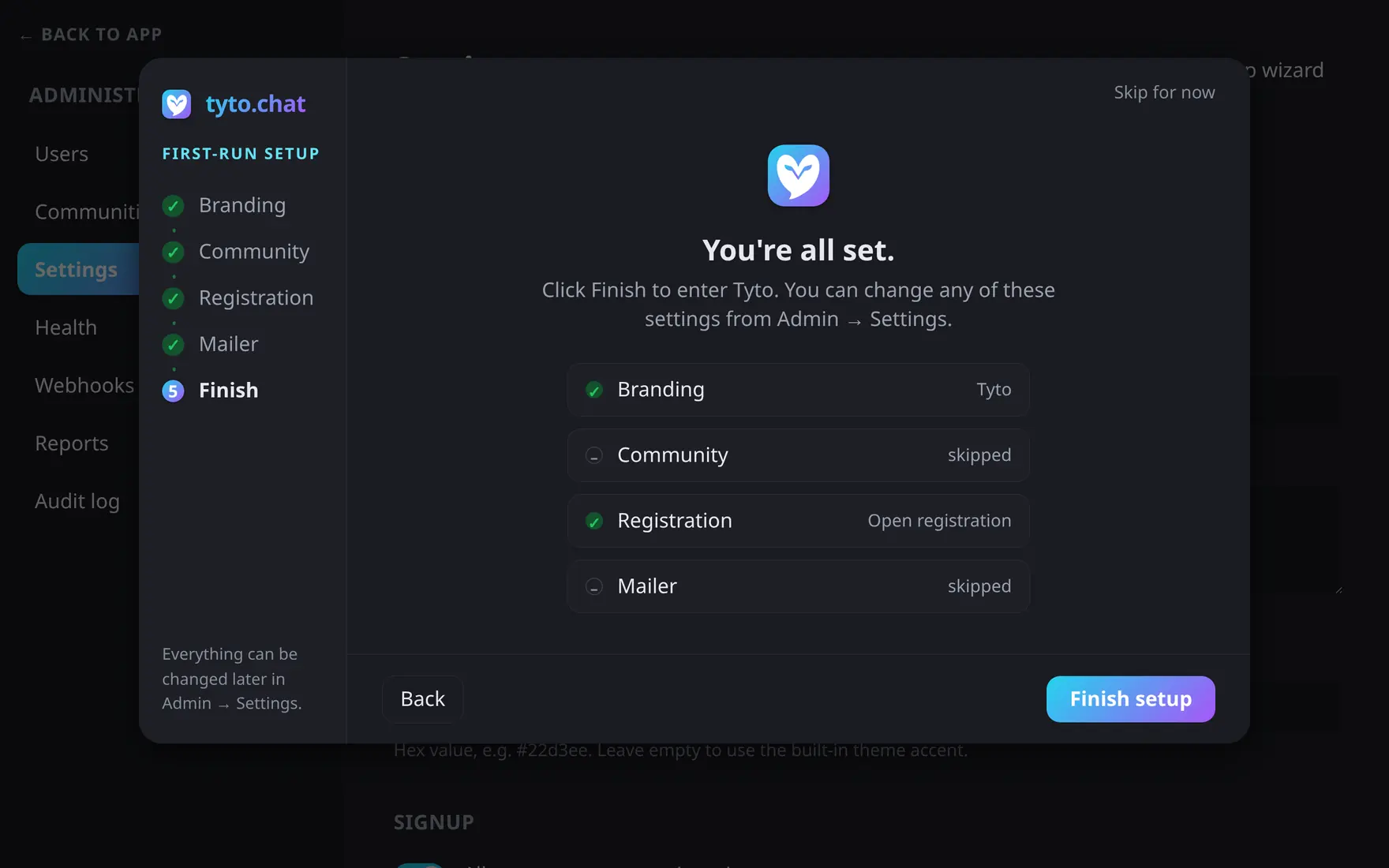
The summary shows what was configured and what was skipped.
The last screen summarizes what happened at each step — whether the community was created or skipped, which registration mode you picked, and whether the mailer was tested, saved without testing, or skipped entirely — then Finish setup closes the wizard and takes you into Tyto.
Running it again
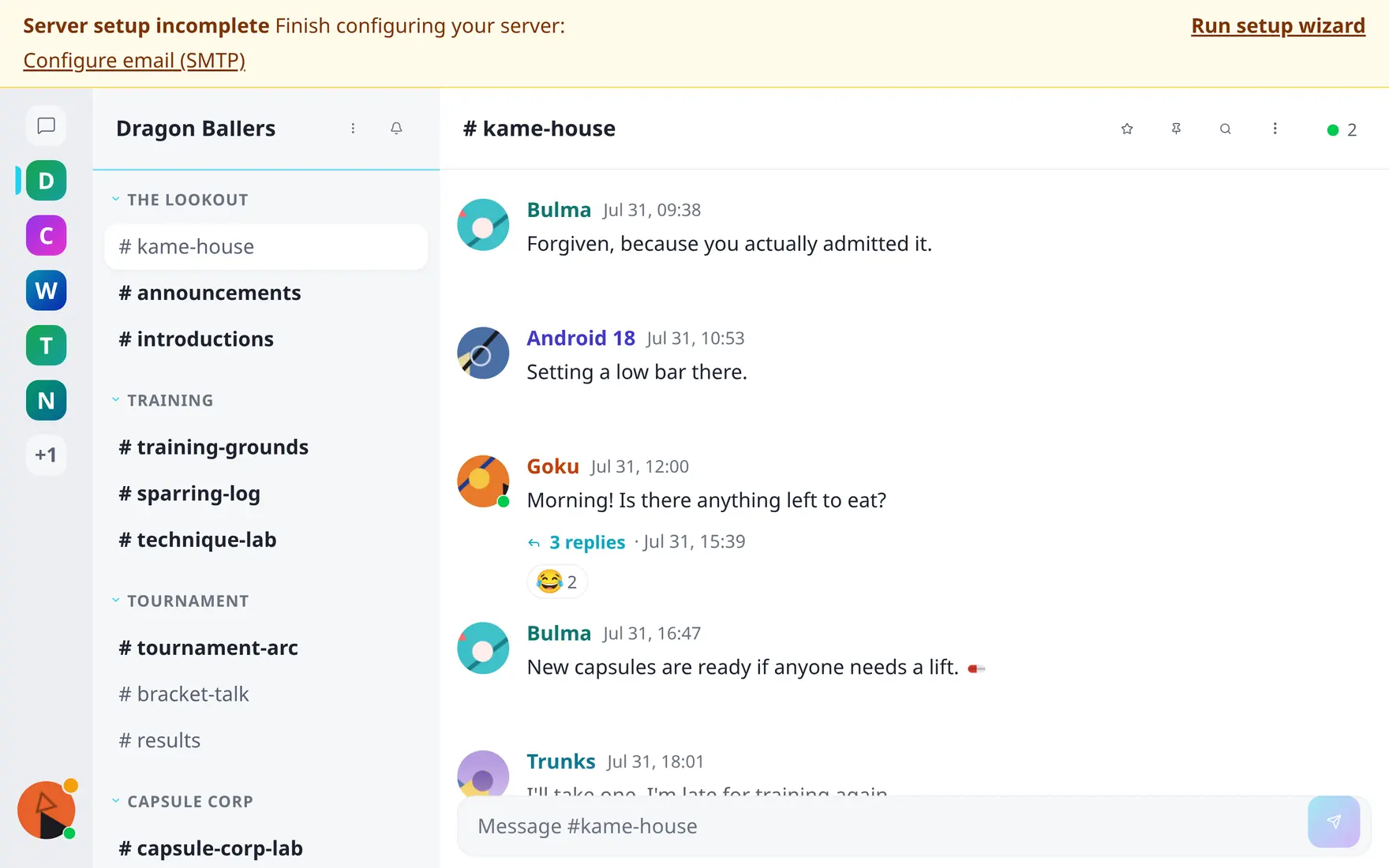
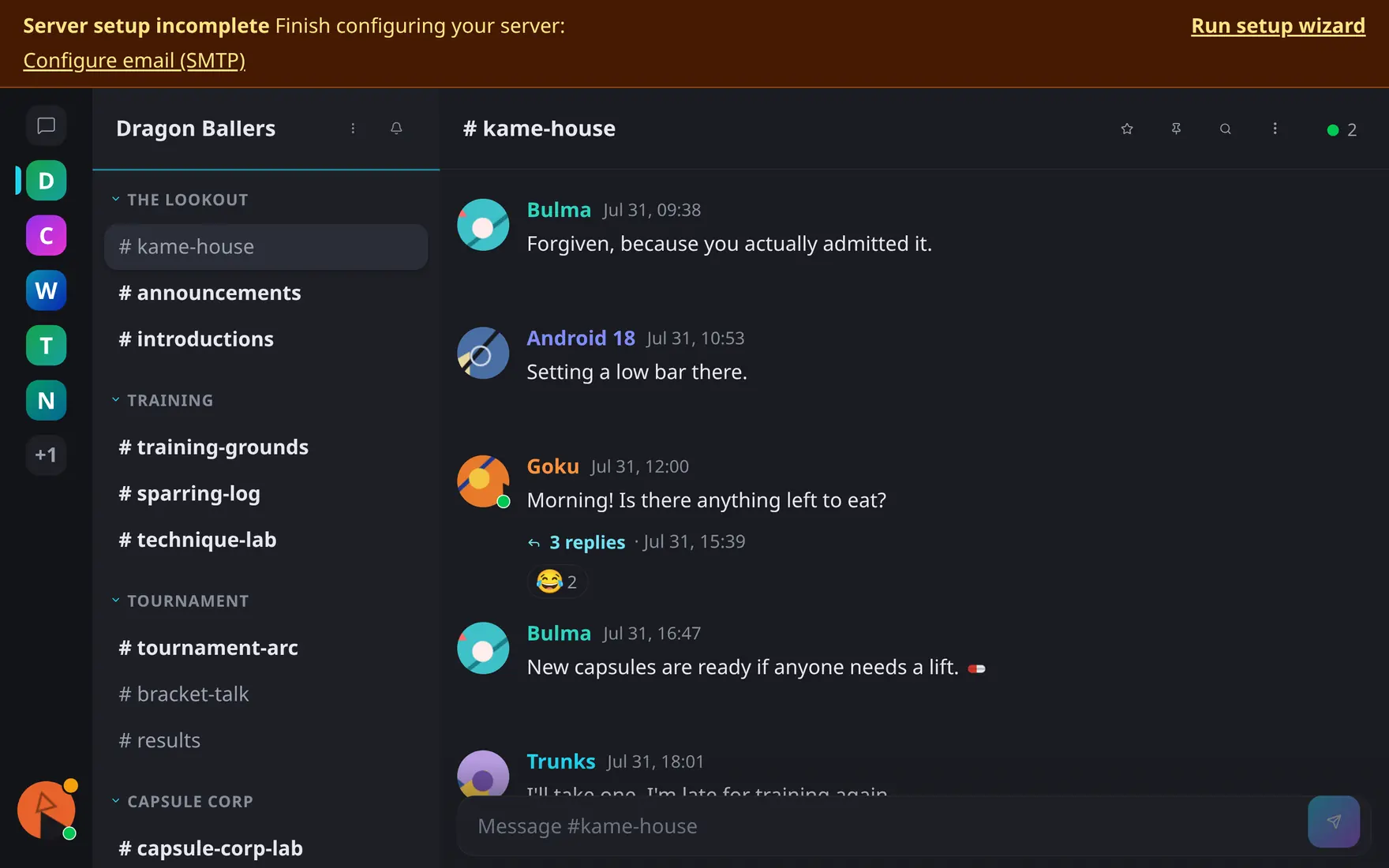
The setup-attention banner stays until email, bot, real-time and search are configured.
Because skipping stamps the same “setup complete” flag as finishing, the wizard won’t pop back up on its own. Two ways to reopen it:
- From Admin → Settings
Click Run setup wizard in the header, next to the settings title.
- From the setup-attention banner
While email (SMTP), the default bot, the real-time (Mercure) URL, or search (Meilisearch) remain unconfigured, a banner reading Server setup incomplete appears with its own Run setup wizard link.
Either entry point reopens the same five steps, pre-filled with the server’s current configuration — so re-running it is just another way to edit settings, not a reset.