Usage
Discovering communities
The public catalogue, browsing as a guest, joining and pinning communities.
The catalogue
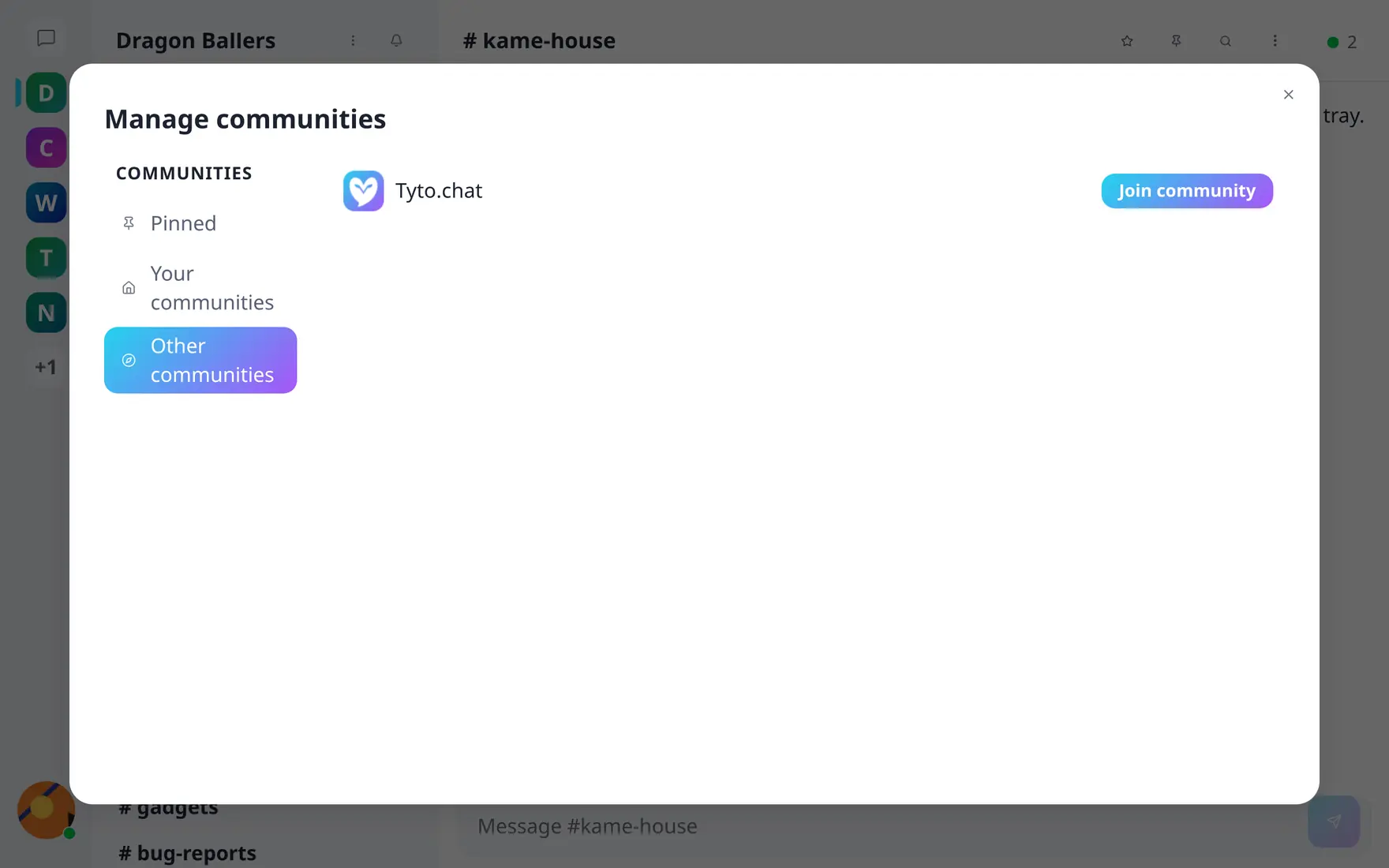
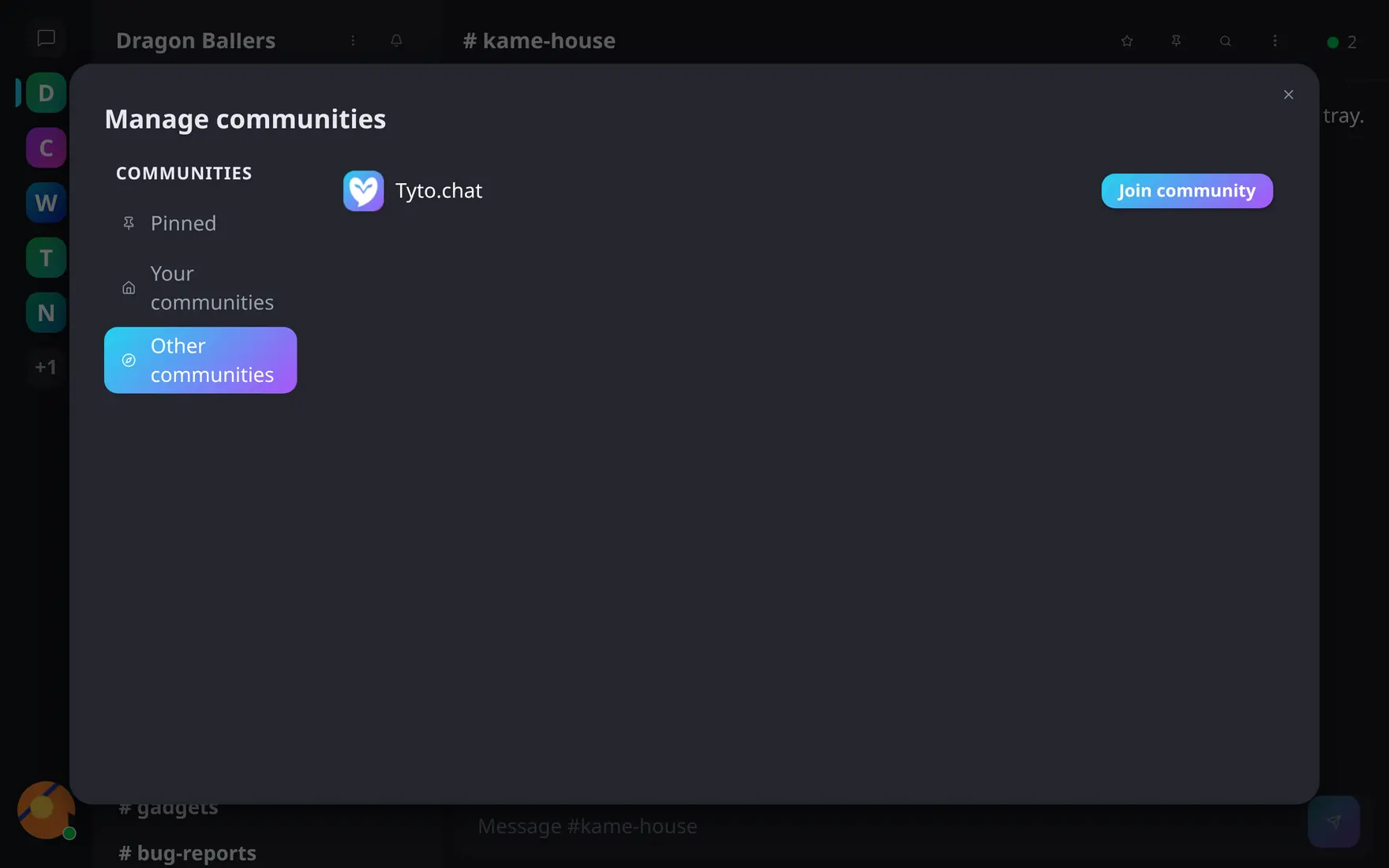
Everything public on the server lists under Other communities — join with one click.
The landing view lists the server’s public communities — name, logo, description. Every community shows up there; marking one private is what keeps it out.
Browsing before joining
Public communities are readable without joining — even without an account: guests can open text channels and read, with sign-in prompts replacing the composer and voice controls. Members browsing a community they haven’t joined get a join banner; private communities show an access notice instead (their content stays invisible until invited).
A small eye icon in the channel header shows how many guests are reading right now, alongside the count of members online — everyone sees it, guests included.
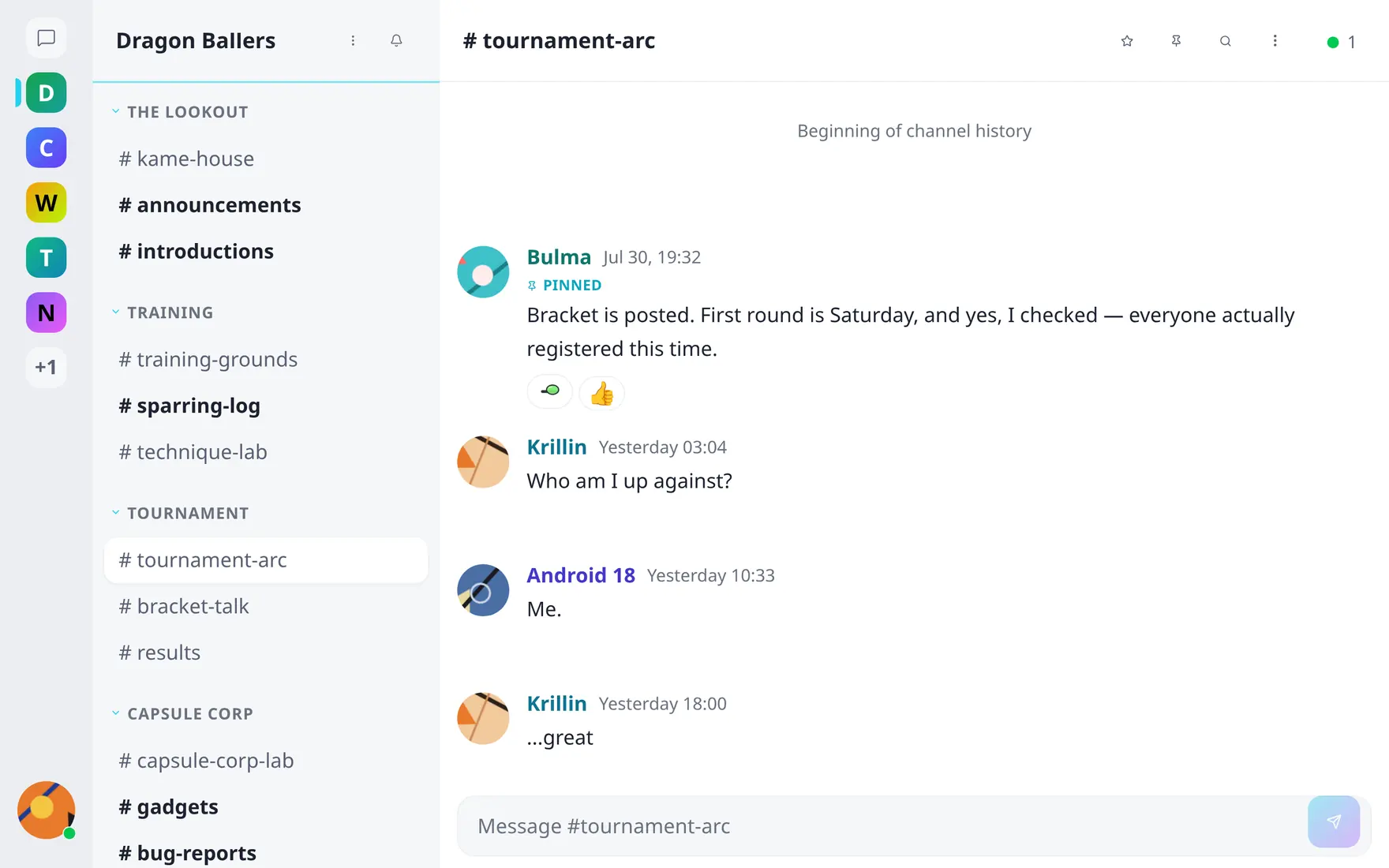
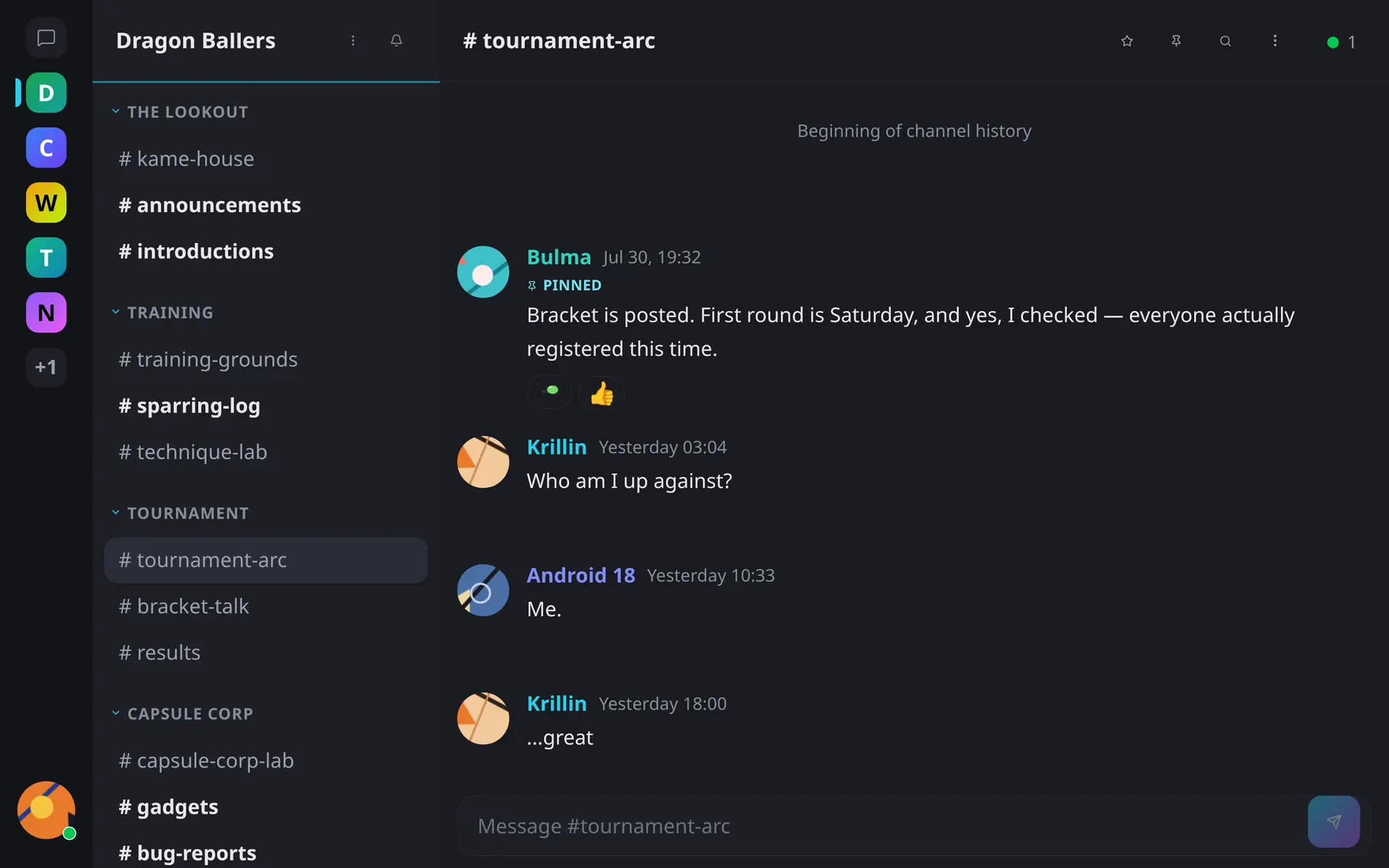
Communities you've joined sit on the rail; public ones are readable before you join.
Joining is one click — and required before you can post, react or receive notifications.
Your rail
Communities you belong to line the left rail with unread bubbles. Pin the ones you live in to keep them on top; the rail also shows communities you’re browsing without membership, marked as such.