Writing messages
Formatting & code blocks
Markdown formatting and syntax-highlighted code with a language picker.
Messages are markdown under the hood — the editor renders it as you type:
| Type | Get |
|---|---|
**bold** |
bold |
*italic* |
italic |
~~strike~~ |
|
`code` |
inline code |
- item / 1. item |
lists |
> text |
quote |
The toolbar
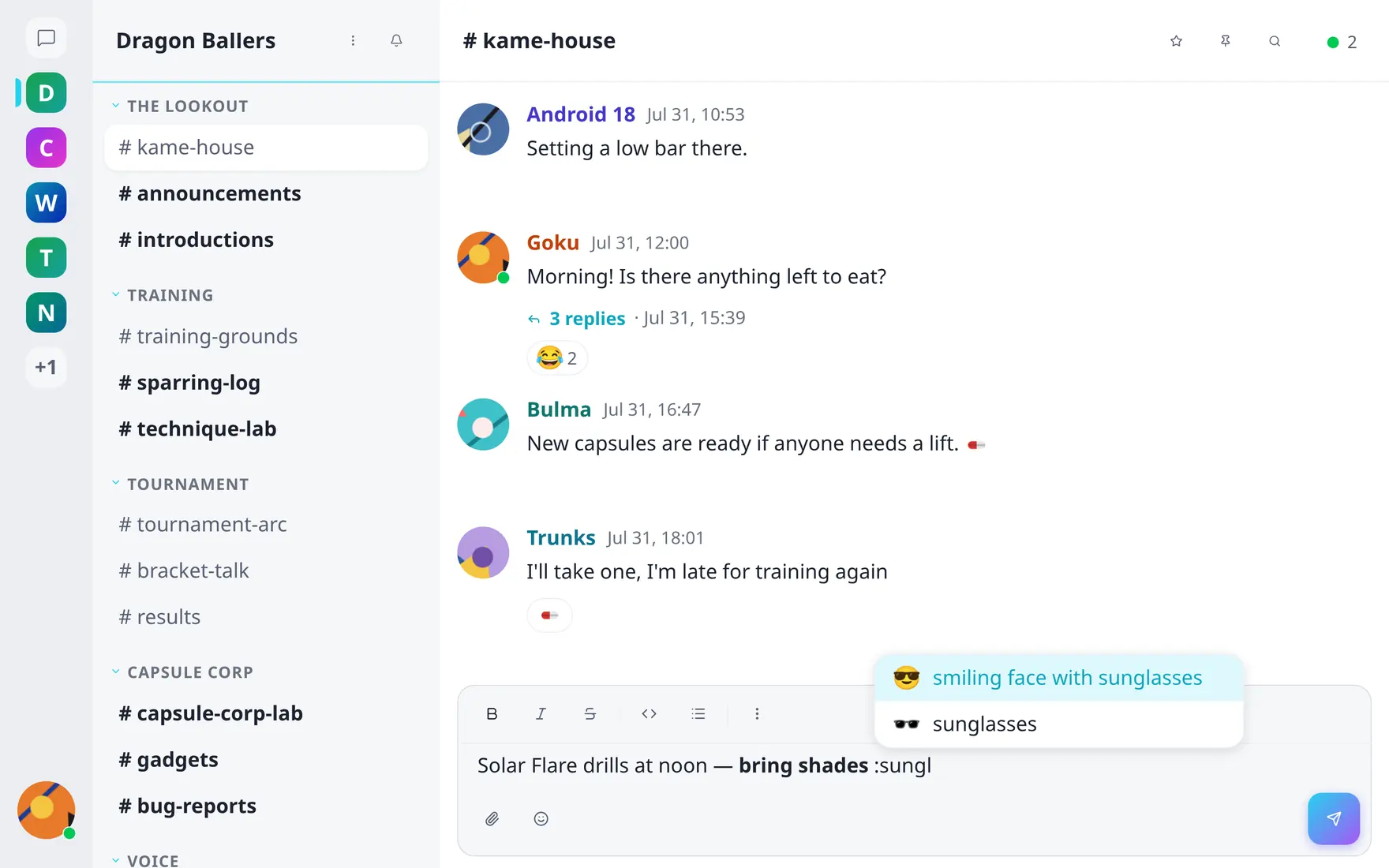
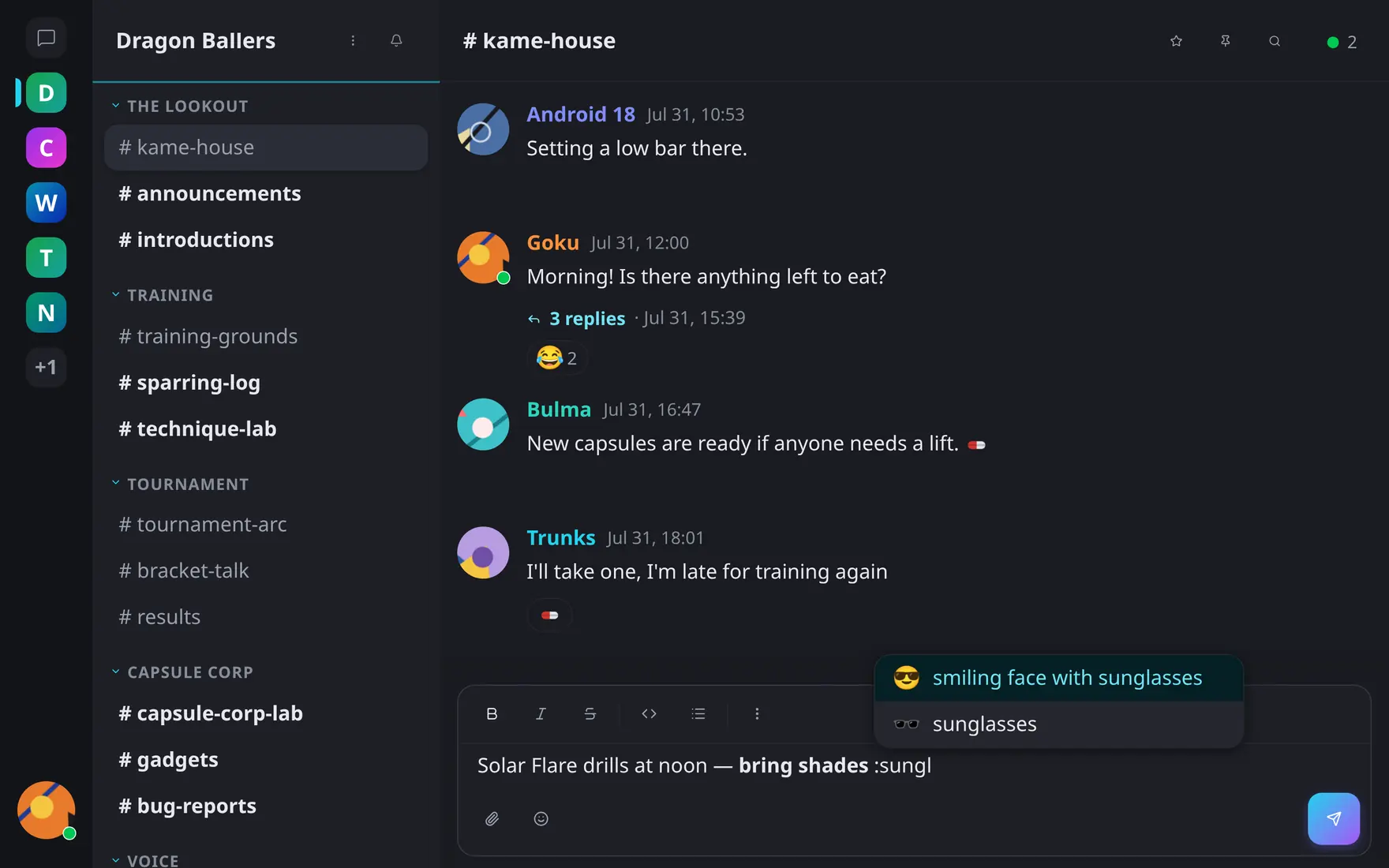
Inline formatting from the toolbar; :shortcode autocomplete as you type.
If you’d rather click than remember syntax, the composer has a formatting toolbar: bold, italic, strikethrough, inline code and bulleted list, plus a … menu with underline, blockquote, code block, heading 1, heading 2 and numbered list. It applies to the selection, or switches the mode you’re typing in.
Underline and headings are toolbar-only — there’s no markdown shortcut for them in the table above.
Code blocks
Open a fence (```) for a code block: monospaced,
syntax-highlighted, with a language picker in the corner — pick one of
the supported languages or leave auto-detection on. Paste multi-line code
and it lands as a block ready to read.
Inside code — inline or block — nothing else fires: no mention pings, no emoji conversion, text stays exactly as typed.