Messages & threads
Reactions
Reacting to messages — quick picker, full grid, community emojis, toggling.
Hover a message → the smiley opens the quick picker: your recent emojis plus a “…” into the full grid (same picker as the composer).
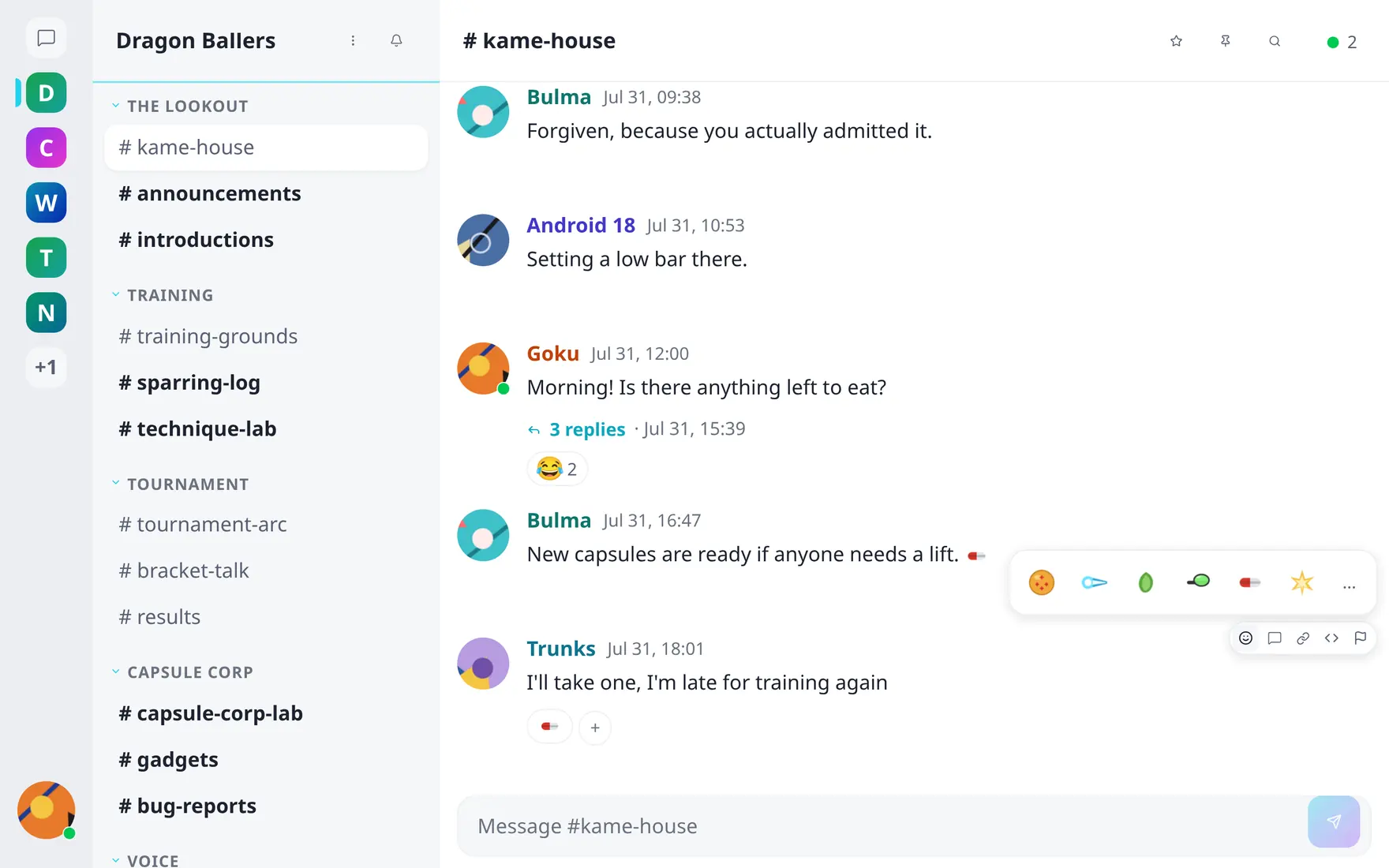
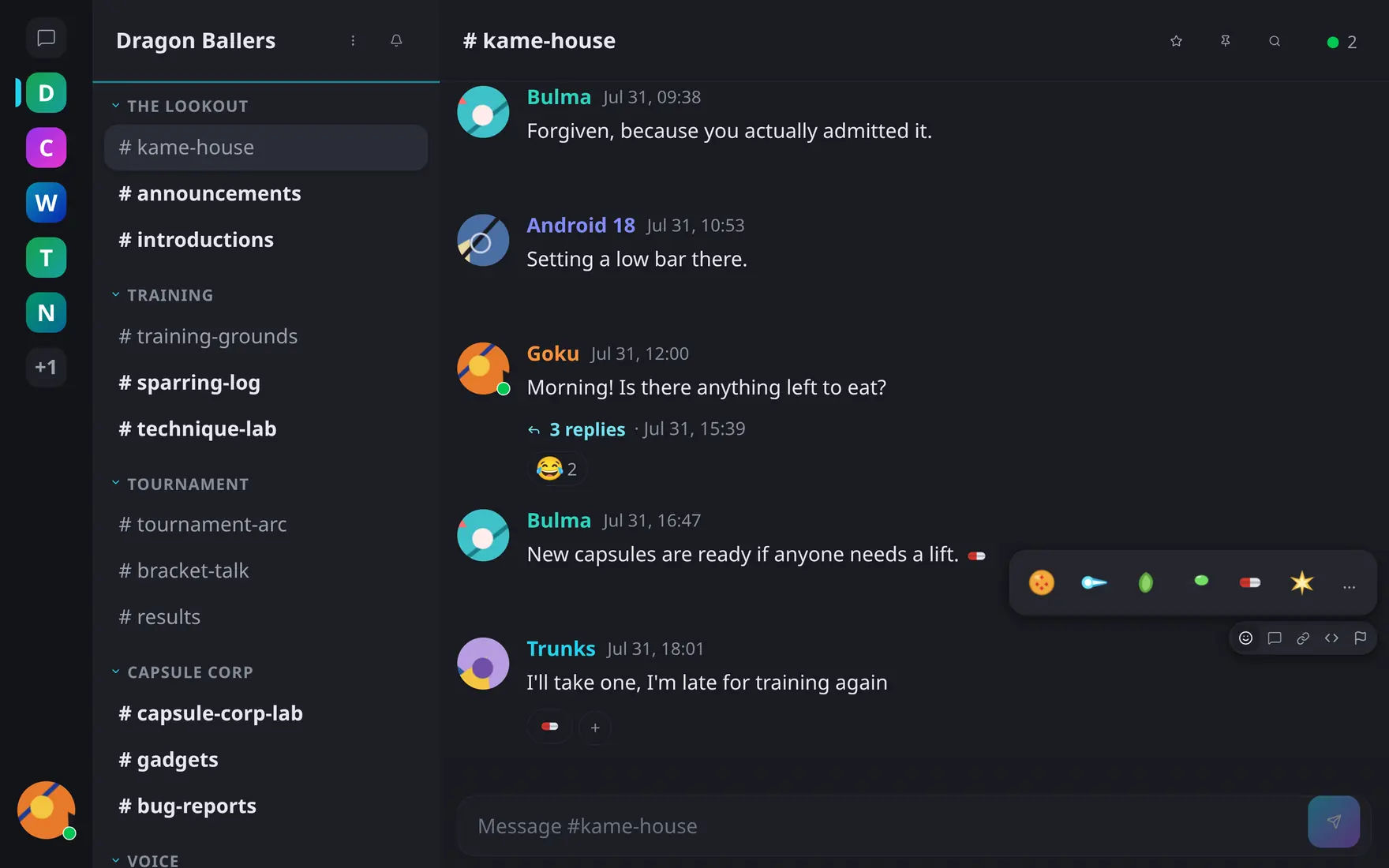
The quick picker: recent emojis first, the ellipsis opens the full grid.
- Click an existing reaction to join it; click again to withdraw.
- Hover a reaction to see who reacted.
- Channels accept Unicode and the community’s custom emojis; direct messages are Unicode-only.
- Reactions update live for everyone, and they survive message deletion — a tombstoned message keeps its reactions.