Usage
Staying caught up
Unread badges, the new-messages divider, jump to latest and mark-all-read.
Unread indicators
Three levels, glanceable:
- Channels — unread channels go bold in the sidebar; mention counts show as badges.
- Communities — unread bubbles on the rail icons.
- The bell — a counter of unread notifications; direct messages carry their own badge on the DM icon.
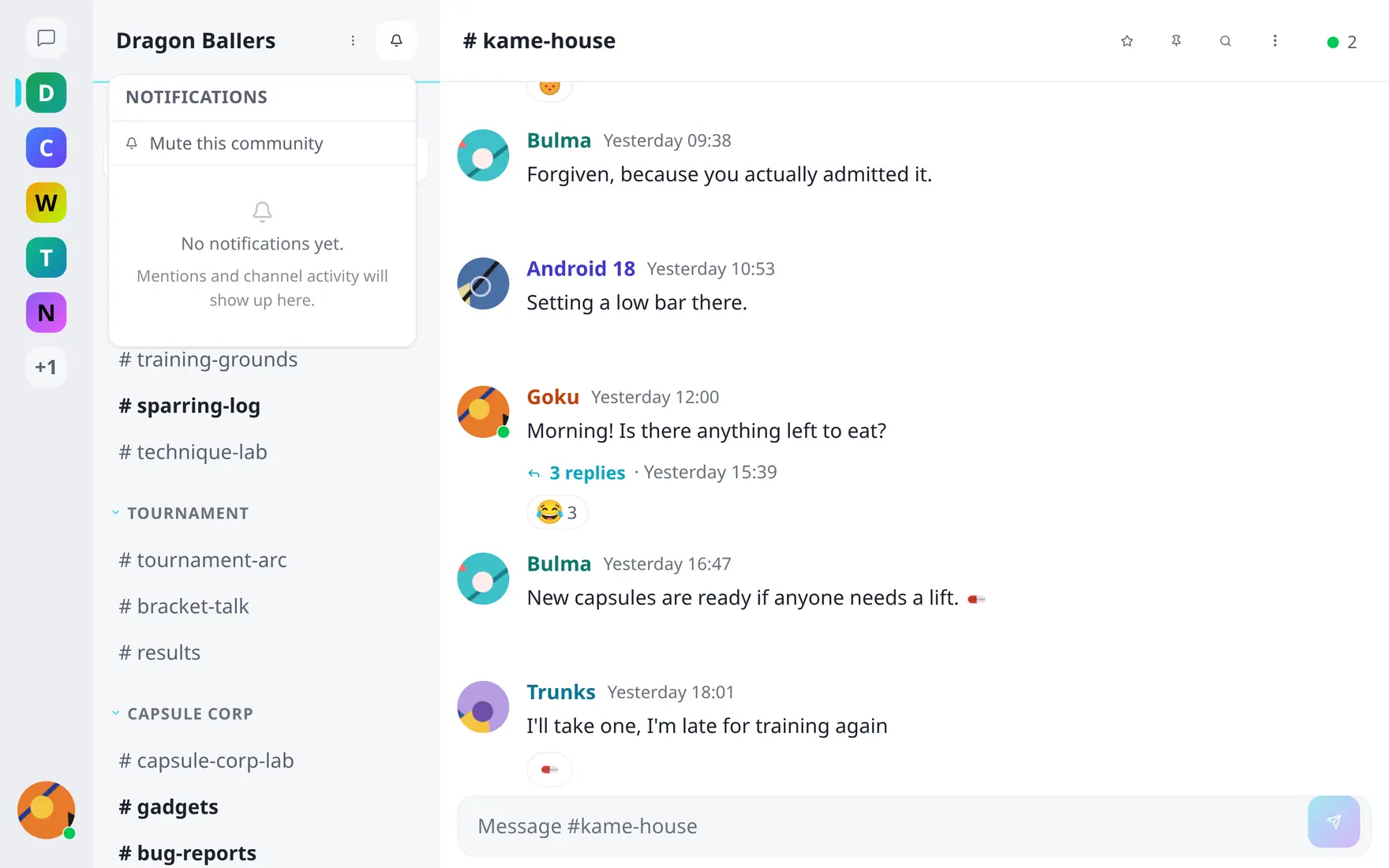
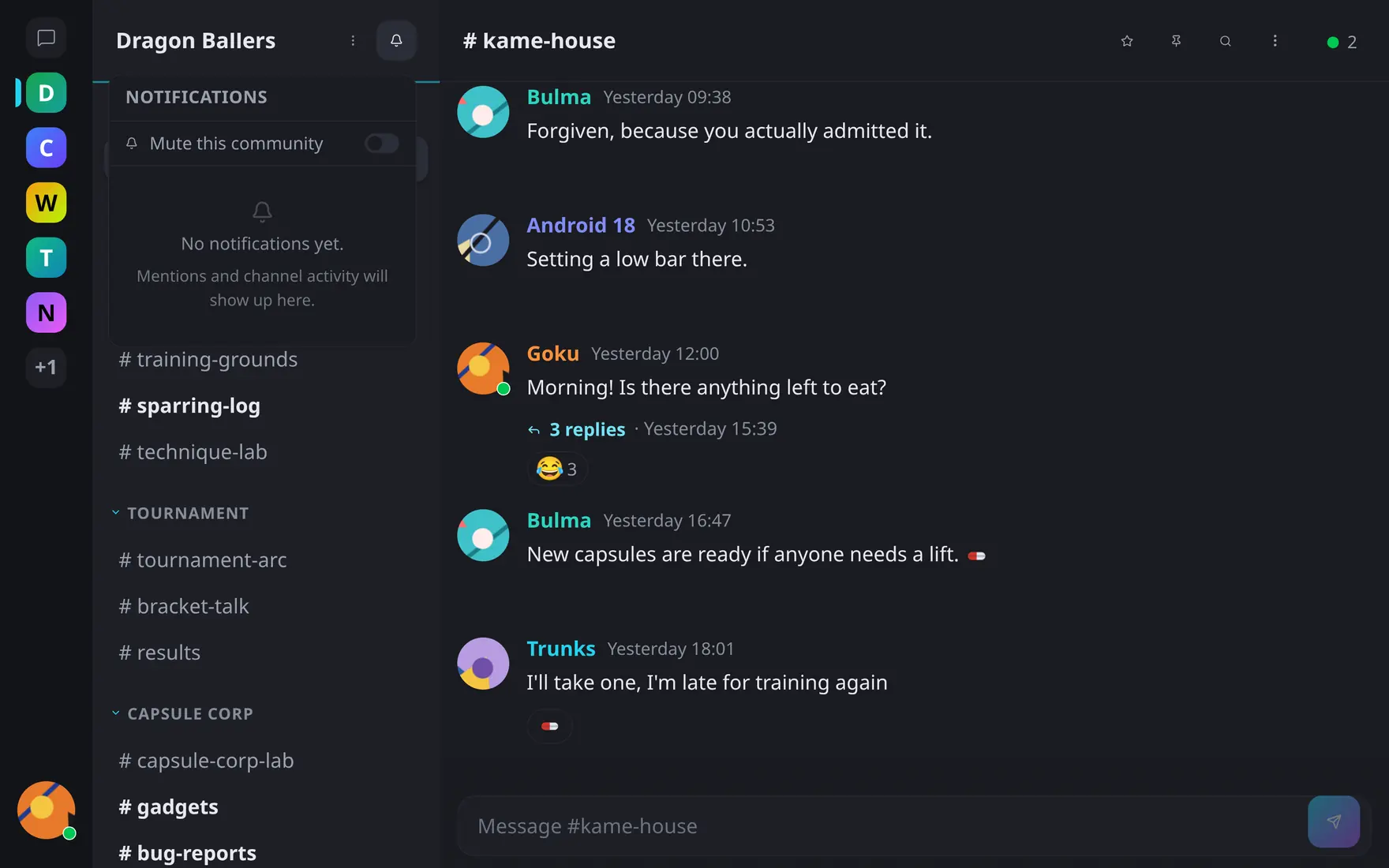
The bell panel groups everything waiting for you, newest first.
Muted communities and channels set to “nothing” stay visually quiet — unread never nags where you’ve opted out.
Reading a busy channel
Opening an unread channel drops a “new messages” divider where you left off. While you’re scrolled up in history, new arrivals collect in a floating jump-to-latest pill with a count — click it to snap to the newest message. History loads seamlessly in both directions as you scroll, without losing your place.
Mark as read
A single channel needs no action — opening it marks it read. For the wider scopes there’s a one-click action each: Mark community as read (community menu), Mark all DMs as read (direct-messages list) and Mark everything as read (user menu). The notification panel’s Mark all as read clears the bell.