Administration
Moderation
The moderation ladder — warnings, timeouts, bans, server bans, reports, appeals and the auto-moderator.
The ladder
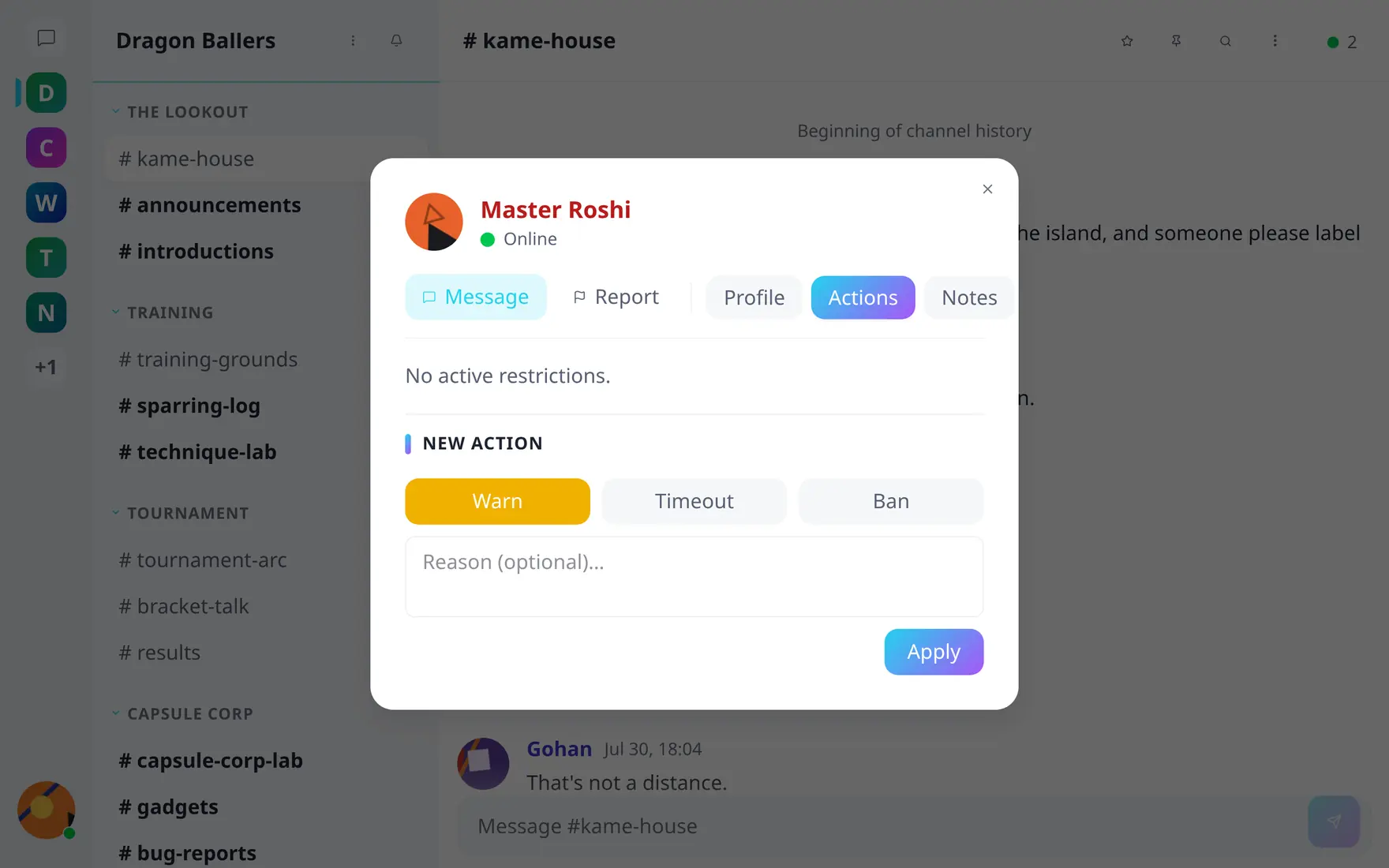
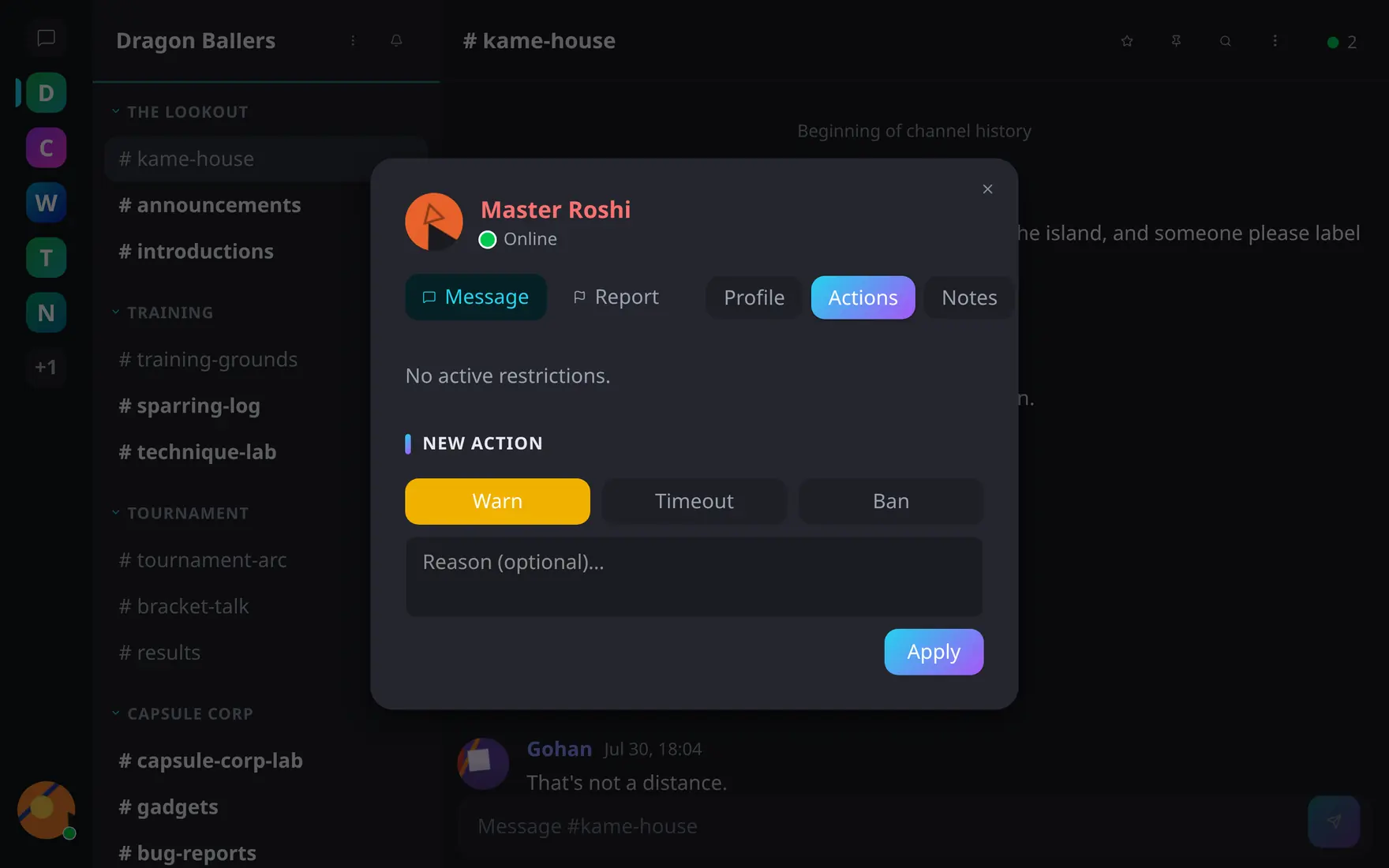
The action tiers a community admin sees — channel moderators get timeout only.
Moderation powers scale with role:
| Role | Can issue |
|---|---|
| Channel moderator | timeout |
| Community moderator | warn, timeout |
| Community admin | + ban (removes from the community) |
| Server admin | + server ban (locks the account out of the whole server) |
Actions are taken from a user’s profile card; every action records the actor, reason and duration and lands in the community’s moderation log. This is Tyto’s statement of reasons, as the EU’s Digital Services Act expects — sanctioned users see why something happened, not just that it did. Timeouts block posting until they expire; lifting an action is available to the same roles that could issue it (server bans: admins only). Server-banned accounts are refused at login.
Moderator notes
Moderators can attach private notes to a user — context that travels with the profile card (“warned twice about spam in #general”) and is visible only to the moderation team. Notes are editable and deletable, separate from formal actions.
Messages
Moderators can delete messages; deleted messages leave a tombstone in place (“This message was deleted”) and moderators can still view the original content and its edit history for audit. Messages can also be pinned per channel (moderator-gated, browsable from the channel header).
Reports & appeals
Users report messages or profiles. Community moderators work their own community’s reports from the community settings modal; server admins get a server-wide report inbox in the admin panel, with the same resolve/dismiss workflow across every community.
Appeals are separate and community-scoped. A sanctioned user appeals the action against them, and that appeal goes to the moderators of the community that sanctioned them — the Appeals tab of that community’s settings modal. Appeals never reach the admin report inbox.
Auto-moderator
Assign a bot account as auto-moderator on server settings → Advanced, and the server will start issuing timeouts on its own.
What triggers it is rate limiting, not moderation history: each time a
user’s request to a community endpoint is refused with HTTP 429, a
per-user, per-community counter goes up, and enough of those inside the
configured window earns a timeout. Escalation is a fixed ladder — 1×, then
3×, then 10× the base duration, capped — and only recent bot timeouts
count, so a quiet stretch drops the user back to the first rung. Admins
and bots are exempt. The knobs live on
server settings → Moderation.