Messages & threads
Search
Full-text message search — scopes, filters, highlighted results.
The header magnifier or ⌘ K (Ctrl K) opens search anywhere.
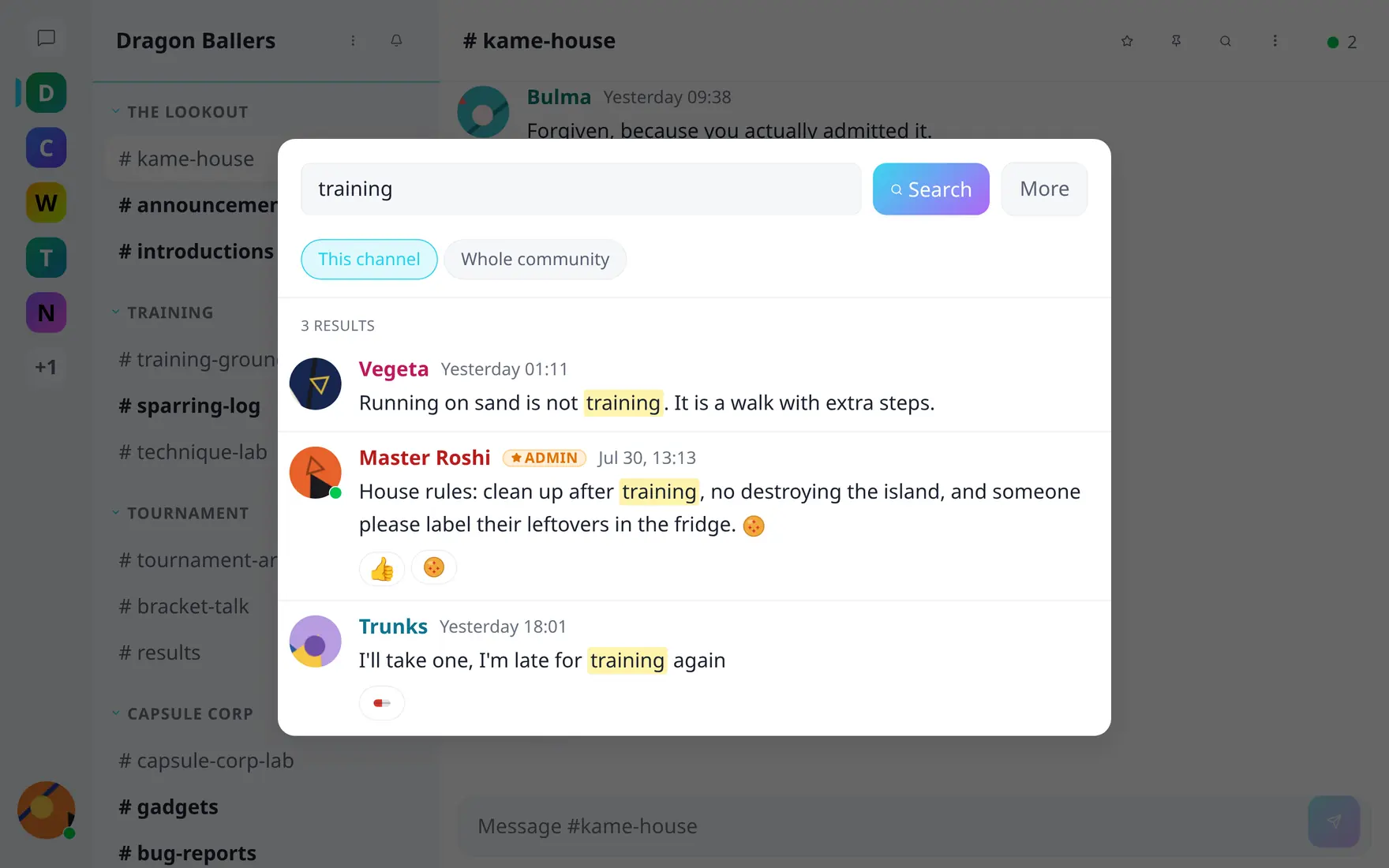
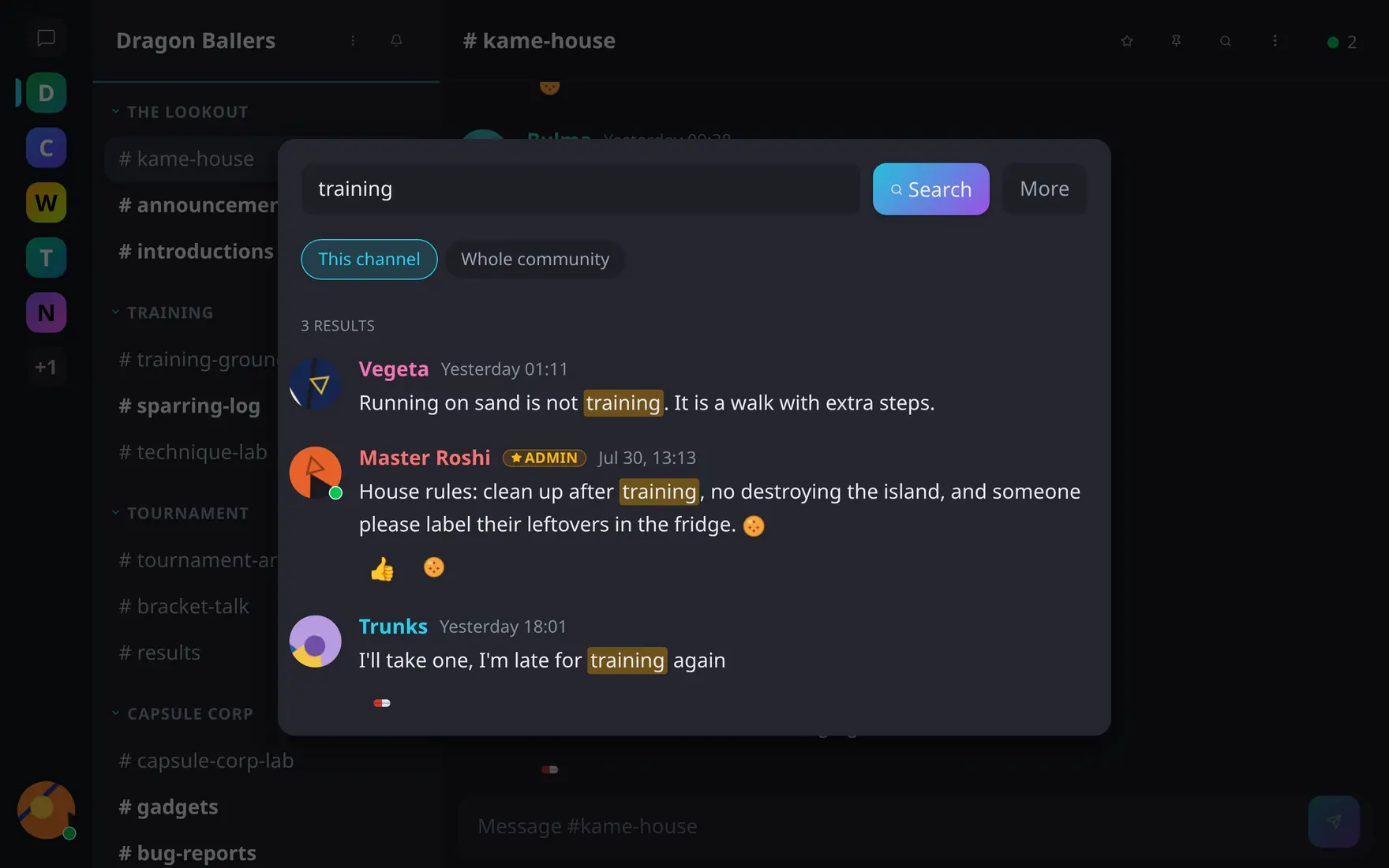
Scope, filters and highlighted hits — click a result to jump to it in place.
- Scopes — current channel or the whole community (toggle in the dialog); inside a conversation, that conversation. Search never crosses community boundaries, and only channels you can see are searched.
- Filters — author (pick from the roster) and before/after dates.
- Results — messages with highlighted matching terms; click to jump
in place. Thread replies carry an “In
thread” badge and deep-link into the panel; community-wide results show
a
#channelbadge.
Search is full-text with stemming and typo tolerance (Meilisearch under the hood). Deleted and system messages are excluded.