Communities
Roles & groups
Community admins and moderators, channel moderators, and user groups for private-channel access.
Roles
Per community:
- Community admins — manage everything in the community: structure, roles, settings, emojis, plus full moderation.
- Community moderators — the moderation powers (warn/timeout/…) without structural control.
- Channel moderators — moderation scoped to a single channel.
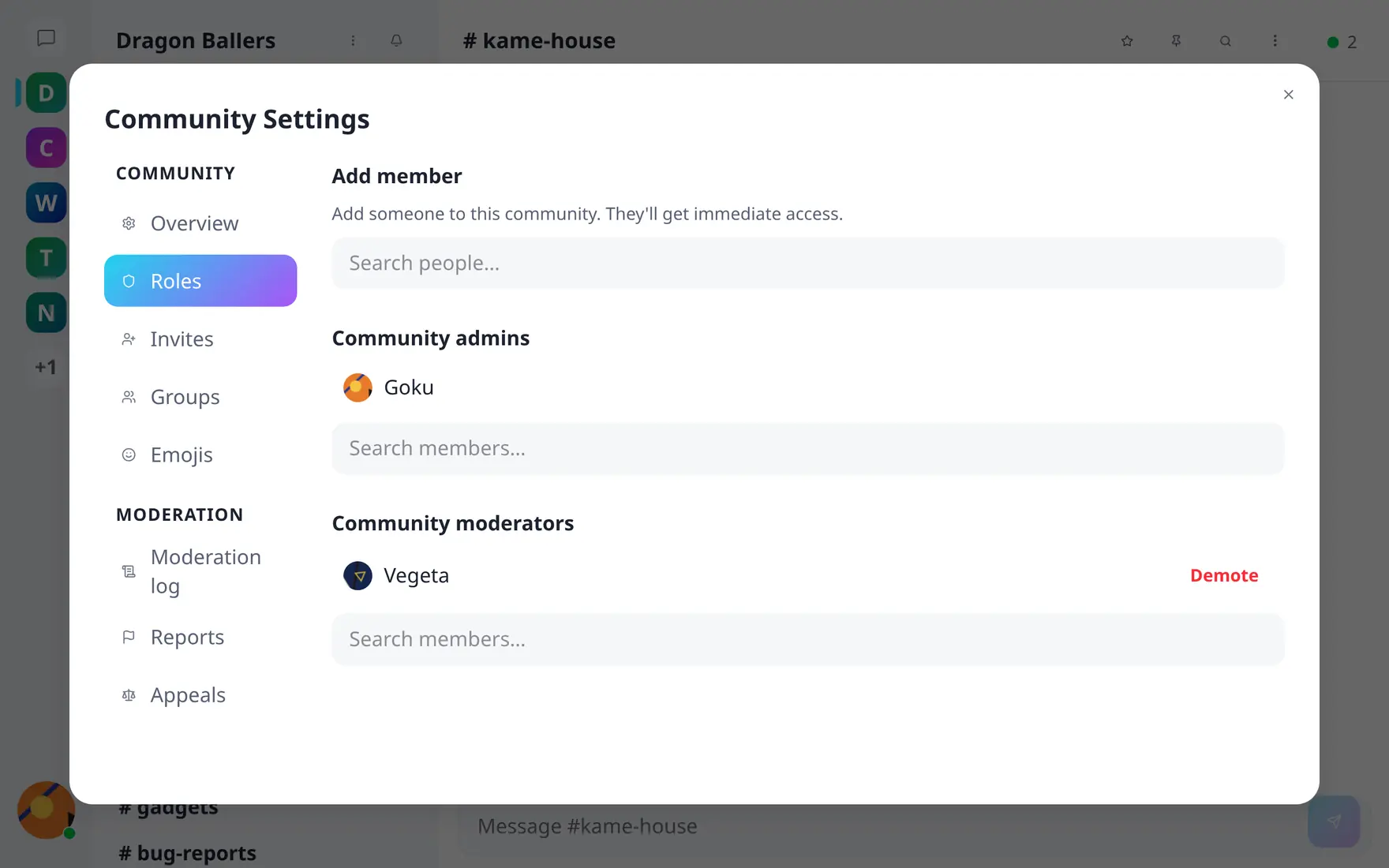
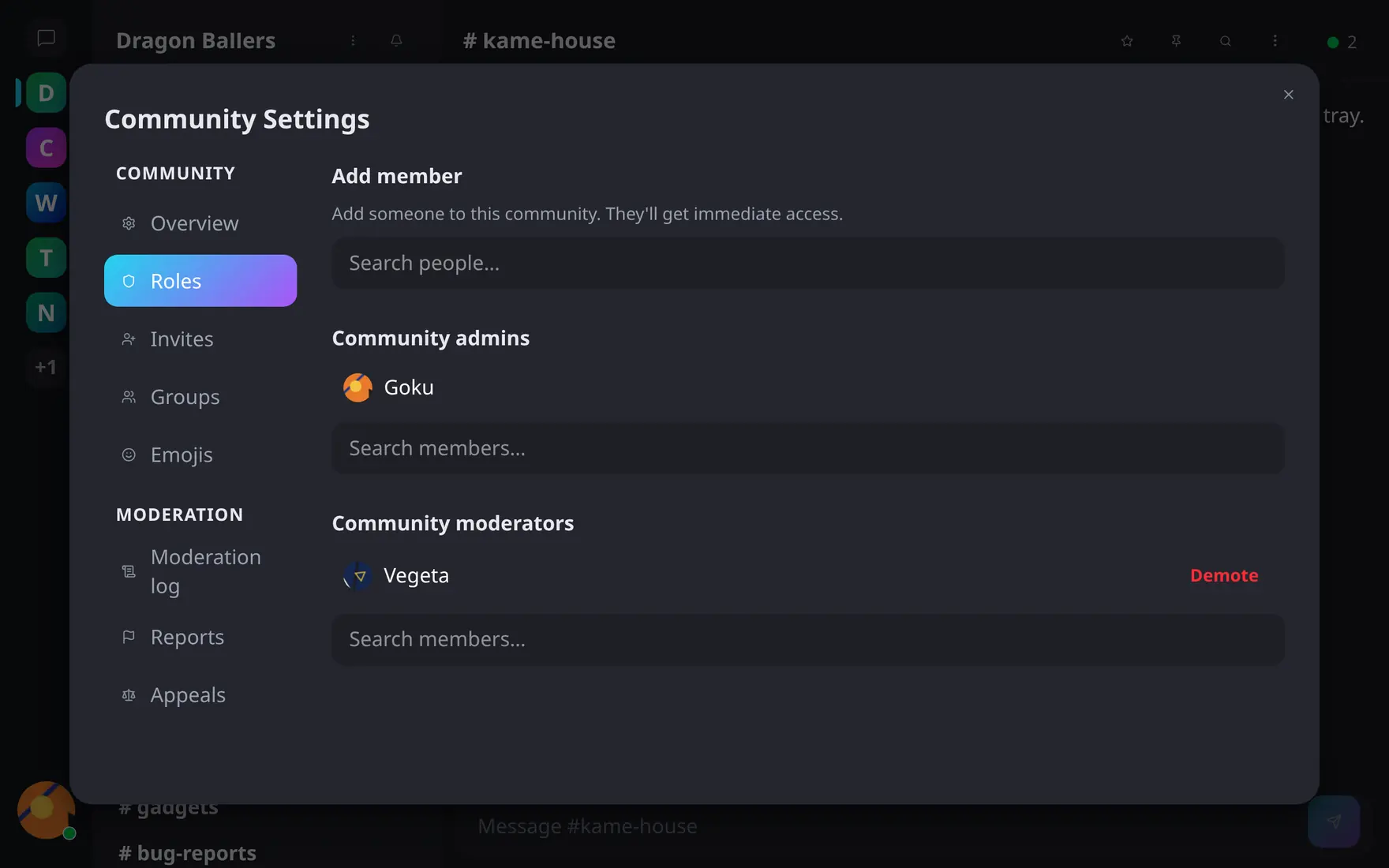
Community settings → Roles: promote any member, demote in one click.
The Roles tab lists admins and moderators with promote/demote; channel roles are managed per channel. Server admins have implicit access everywhere but must actually join a community to receive its notifications.
Groups
User groups bundle people (a team, a class) so private channels can be granted to the group instead of person-by-person. Group owners add/remove members and can transfer ownership; members see their groups under My groups in the user menu.