Communities
Channels & sections
Structuring a community — text and voice channels, private channels, drag-and-drop ordering.
Channels live in collapsible sections; community admins manage both from the sidebar.
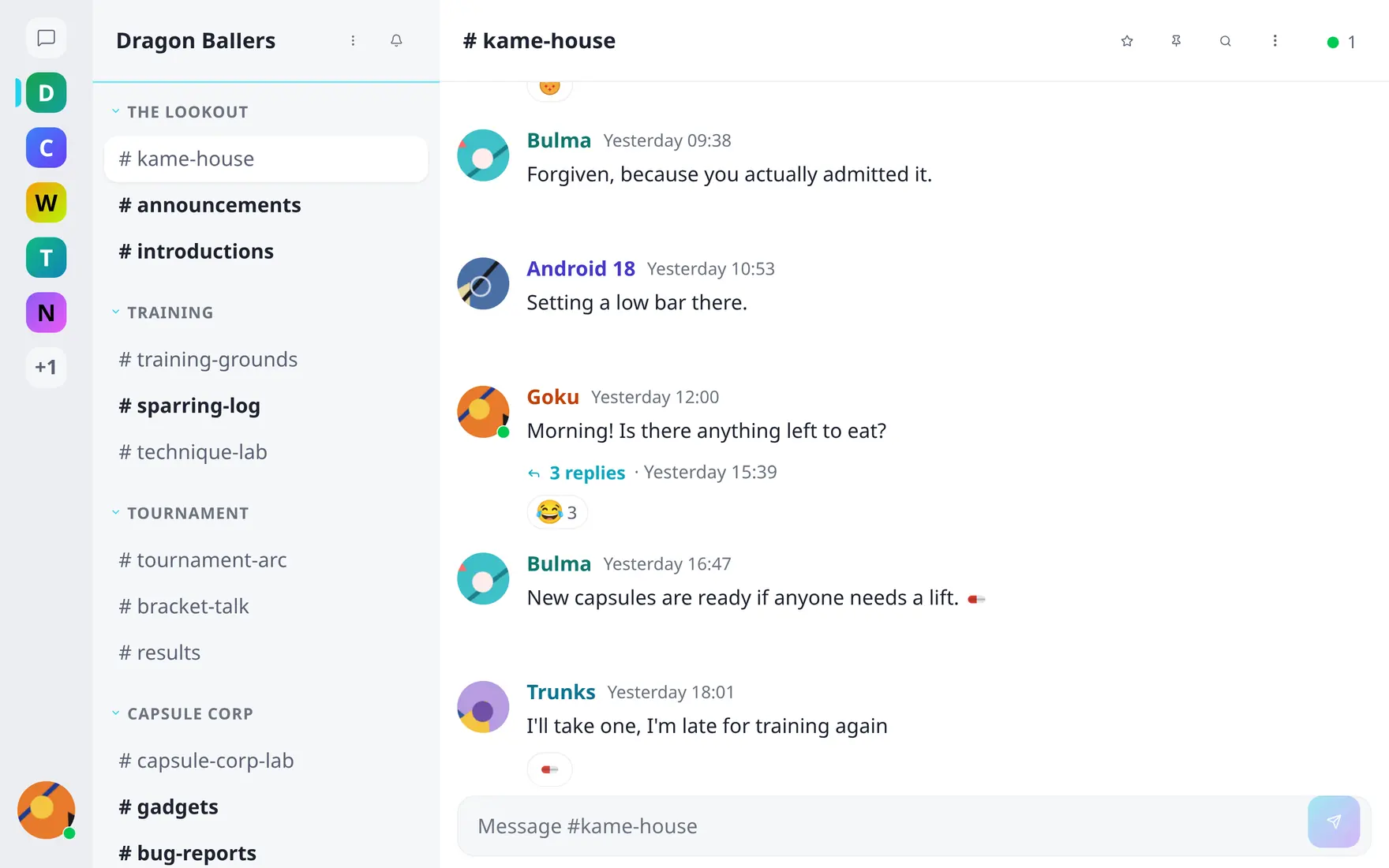
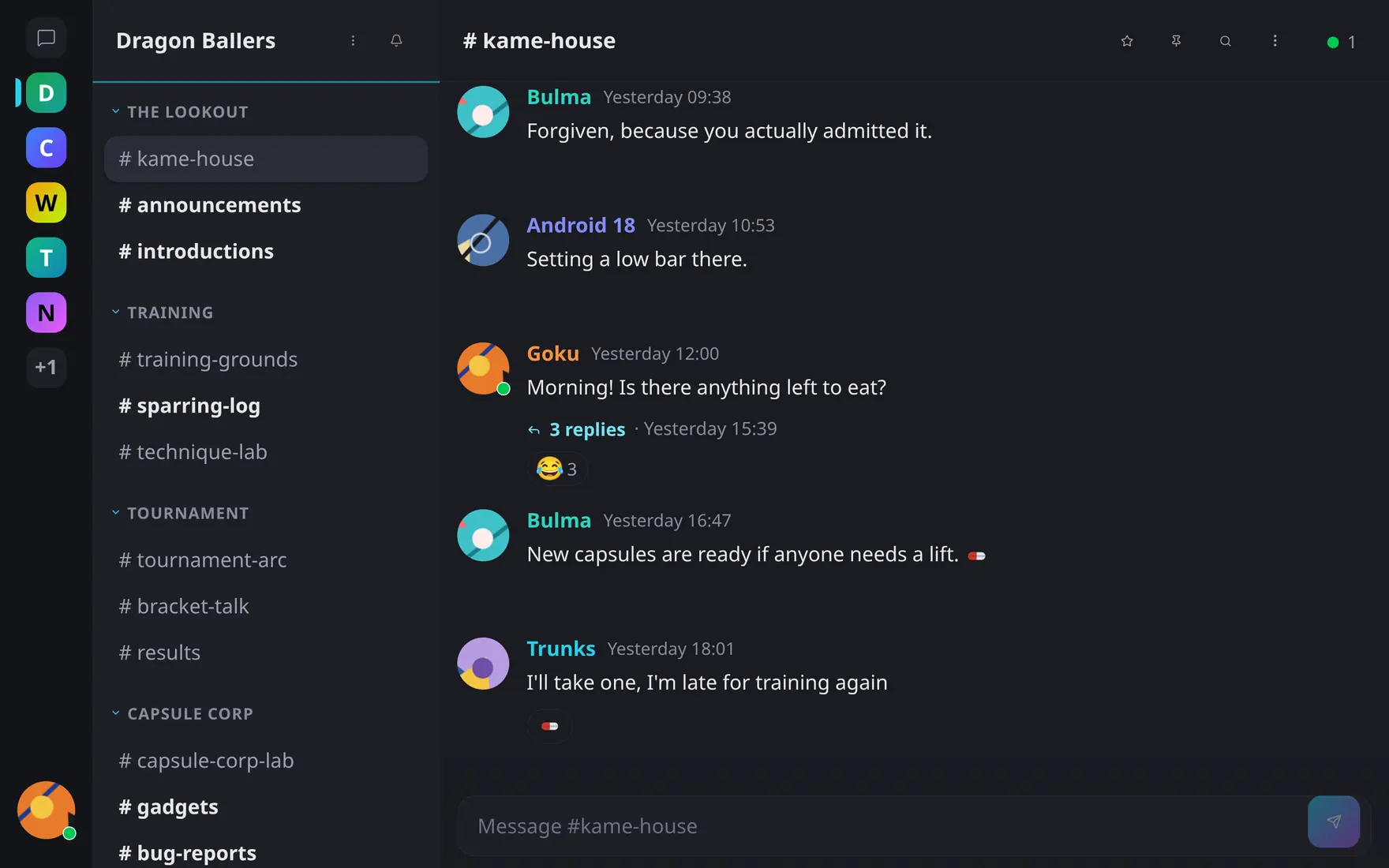
Sections group channels; the rail on the left switches between communities.
- Text channels — the standard message timeline.
- Voice channels — live voice & video rooms; hidden entirely on text-only servers.
- Private channels — visible only to explicitly granted members and groups; invisible to everyone else. Details in Private channels & invites.
- Read-only channels — everyone reads, only moderators post. Built for announcements.
Read-only channels
A channel flagged read-only accepts posts from channel moderators (and up) only; the composer is disabled for everyone else. An optional companion toggle — allow replies — lets regular members respond in threads under the announcements while the timeline itself stays moderator-only: one post per topic, discussion tucked into its thread.
Read-only + replies-allowed makes a tidy announcements-with-comments channel; read-only alone is a pure broadcast feed.
Archiving a channel
A channel that has run its course doesn’t have to be deleted. Community admins can archive it: it drops into an Archived section at the bottom of the sidebar, still open to everyone who could see it before, still searchable — but frozen. The composer is replaced by a notice; no new messages, no edits. Unarchive puts it back where it was, any time.
Voice channels can’t be archived, and neither can the community’s welcome channel — unset it first.
Servers can set a retention window in the admin settings, after which archived channels are deleted for good; the archive dialog tells you the date when one is in force. Left at zero, archived channels are kept indefinitely.
Ordering
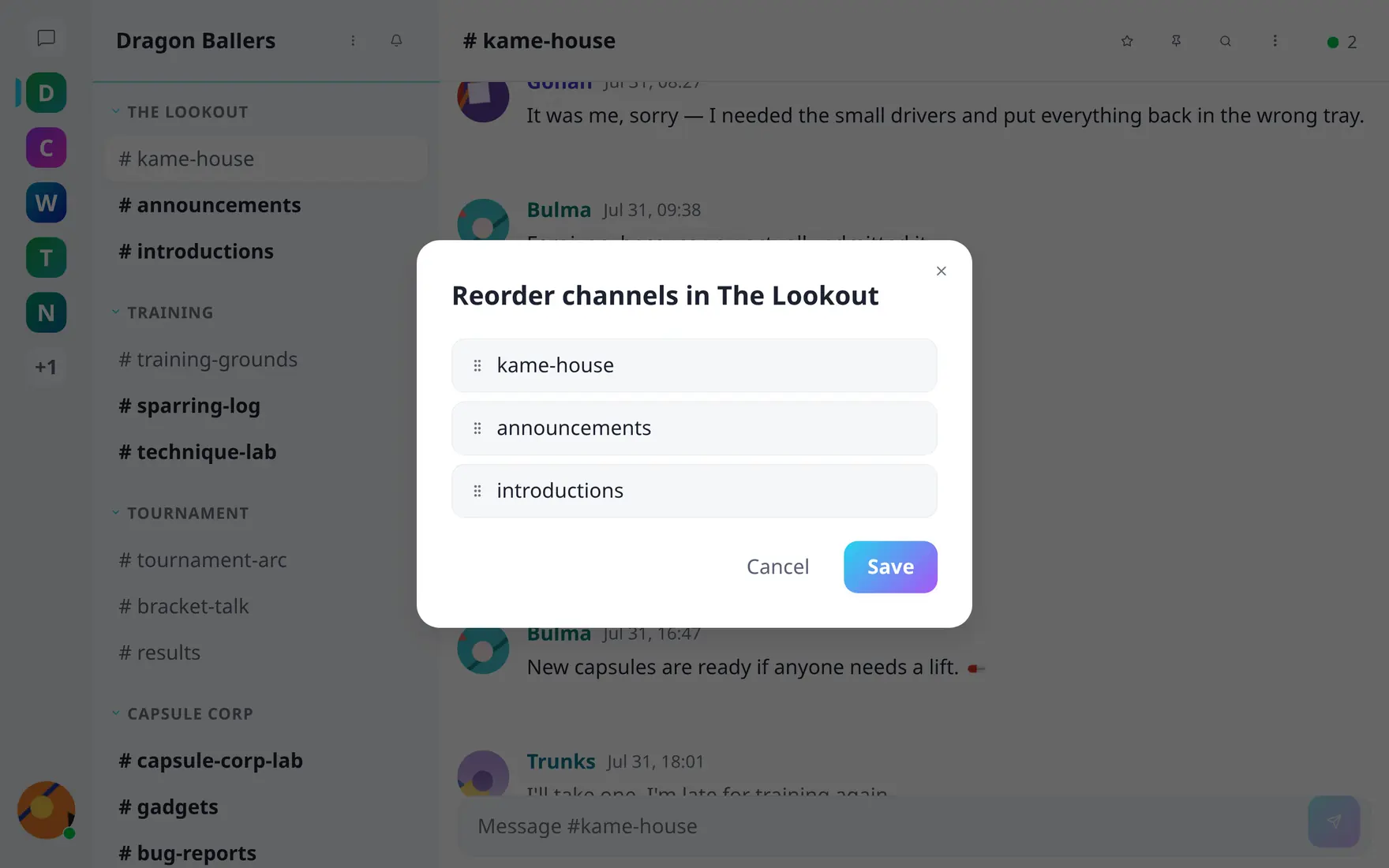
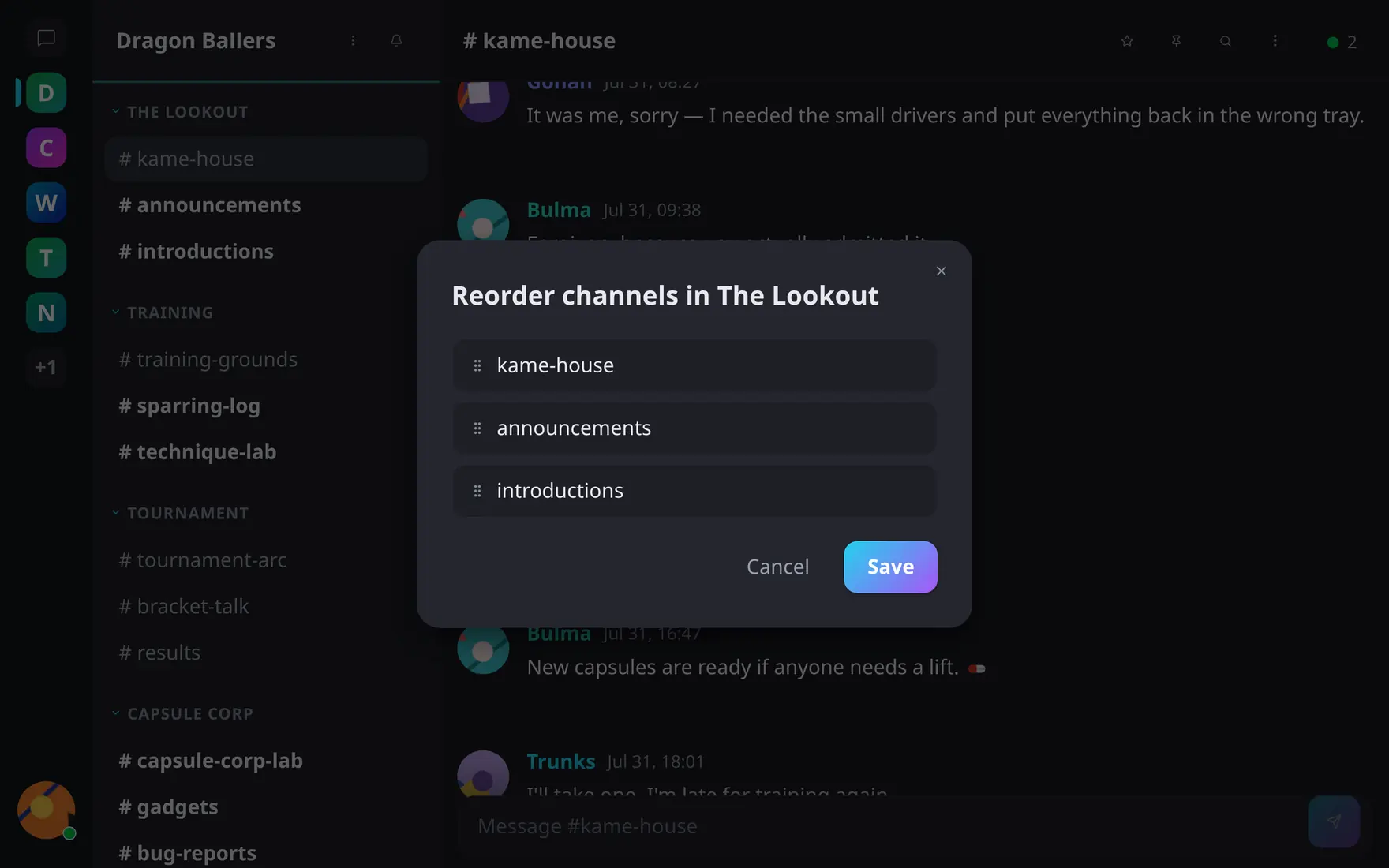
Drag rows to reorder channels; sections reorder the same way.
Reordering is drag-and-drop, per section, for both sections and the channels within them.
Members personalize their own view: favorite channels pin into a Favorites section, hidden channels collapse away — see Account & preferences.