Server settings
Moderation
Automatic rate-limit timeouts and the anti-spam registration check.
Two sections, both automatic defences: timeouts for users who hammer the API, and an optional screen of new registrations.
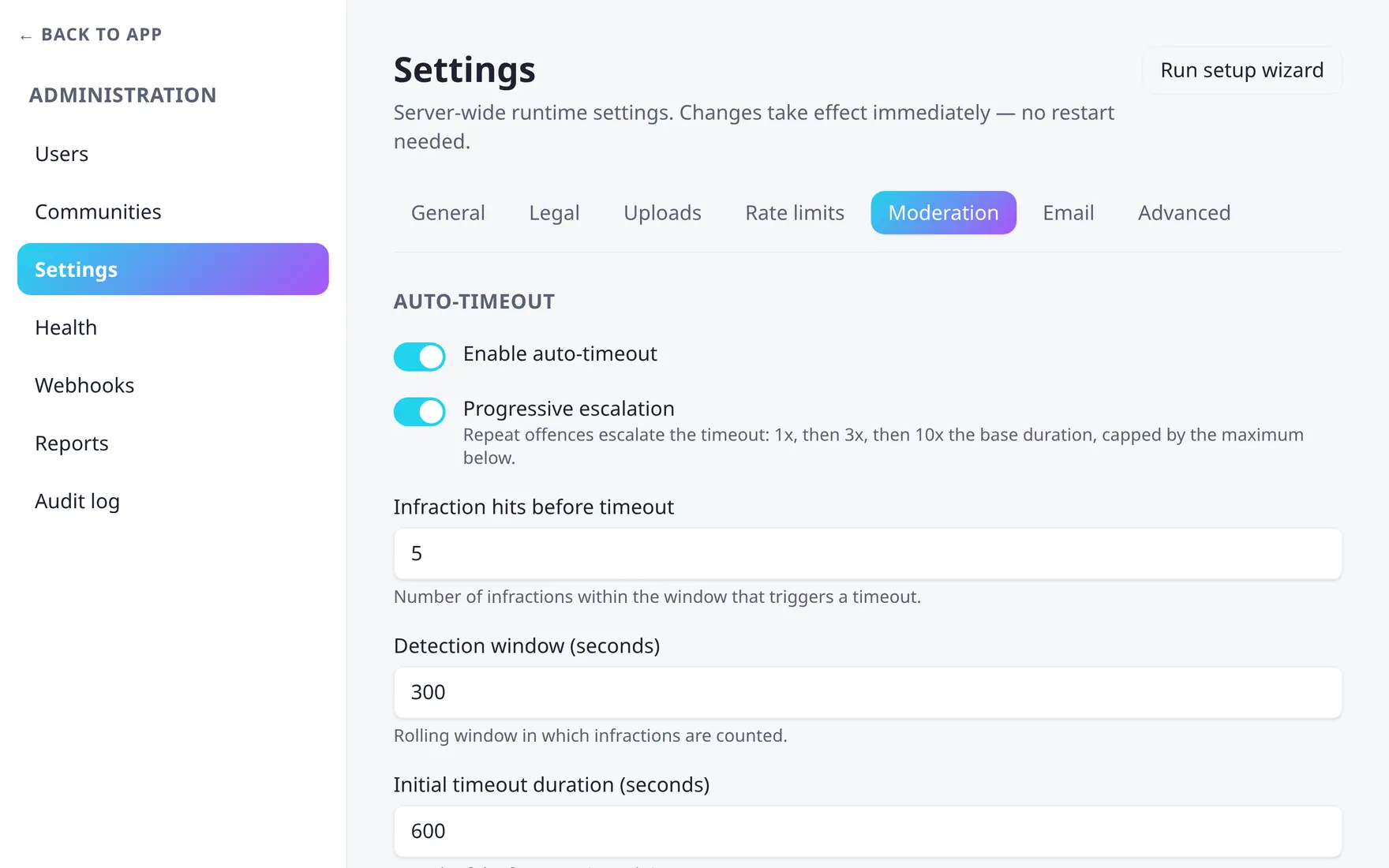
Auto-timeout thresholds and the registration screen live on one tab.
Auto-timeouts
The trigger is rate limiting, not moderation history. Every time a
request to a community endpoint (/api/…/communities/{community}/…) is
refused with HTTP 429, a per-user, per-community counter goes up. Enough
of those inside the window and the
auto-moderator bot issues a
timeout on the spot. Admins and bot accounts are exempt, and nothing
happens at all if no auto-moderator bot resolves.
- Count rate-limit hits
autoTimeoutHits429responses withinautoTimeoutWindowSecondstrigger a timeout. The counter is per user per community and lives in Redis. - Apply the timeout
The first one lasts
autoTimeoutDurationSeconds, and the counter is cleared. - Escalate
With
autoTimeoutProgressiveon, the duration is multiplied by a fixed ladder based on how many bot timeouts the user already collected in this community: 1× for the first, 3× for the second, 10× from the third on — then capped atautoTimeoutMaxSeconds. It is a three-rung ladder, not smooth growth. - Reset
Only bot timeouts issued within the last
autoTimeoutResetSecondscount towards the ladder, so a quiet stretch puts the user back on the 1× rung.
Because the trigger is a 429, the rate limits and these settings are one system: loosen a limit and auto-timeouts fire less often, tighten it and they fire more.
autoTimeoutEnabled booleanMaster switch for the whole section.
See Moderation for the human side of the ladder, and the Advanced tab for assigning the bot that issues these timeouts.
Anti-spam registration check
This tab also carries an Anti-spam registration check section — an opt-in, off-by-default screen of new registrations against StopForumSpam. See Anti-spam for the full guide, including the six settings and the GDPR wording to add to your privacy policy.