Admin panel
Users & accounts
Managing every account on the server — provisioning, invites, the admin role, 2FA rescue and force-delete.
The Users page of the admin panel lists every account on the server, searchable and sortable.
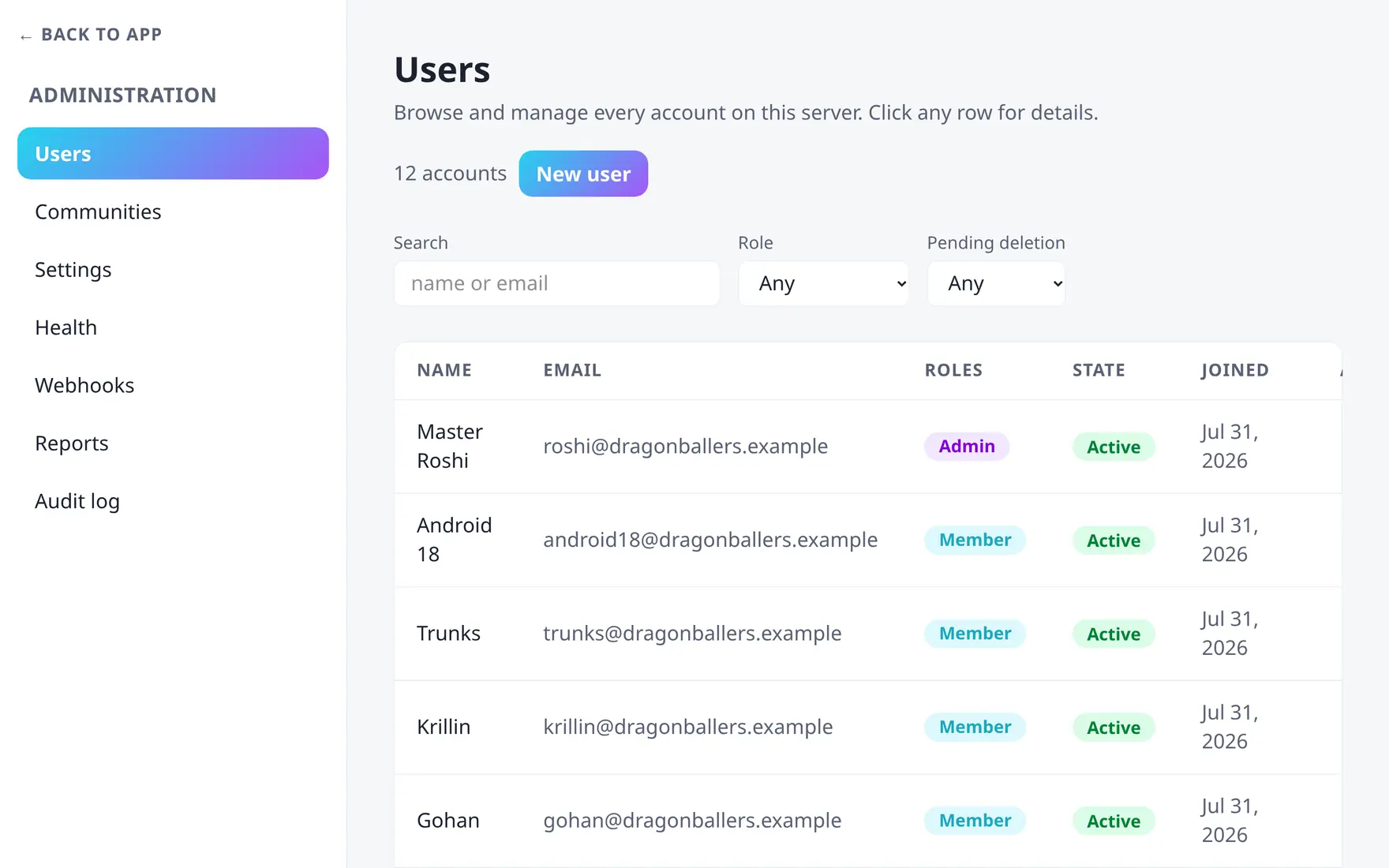
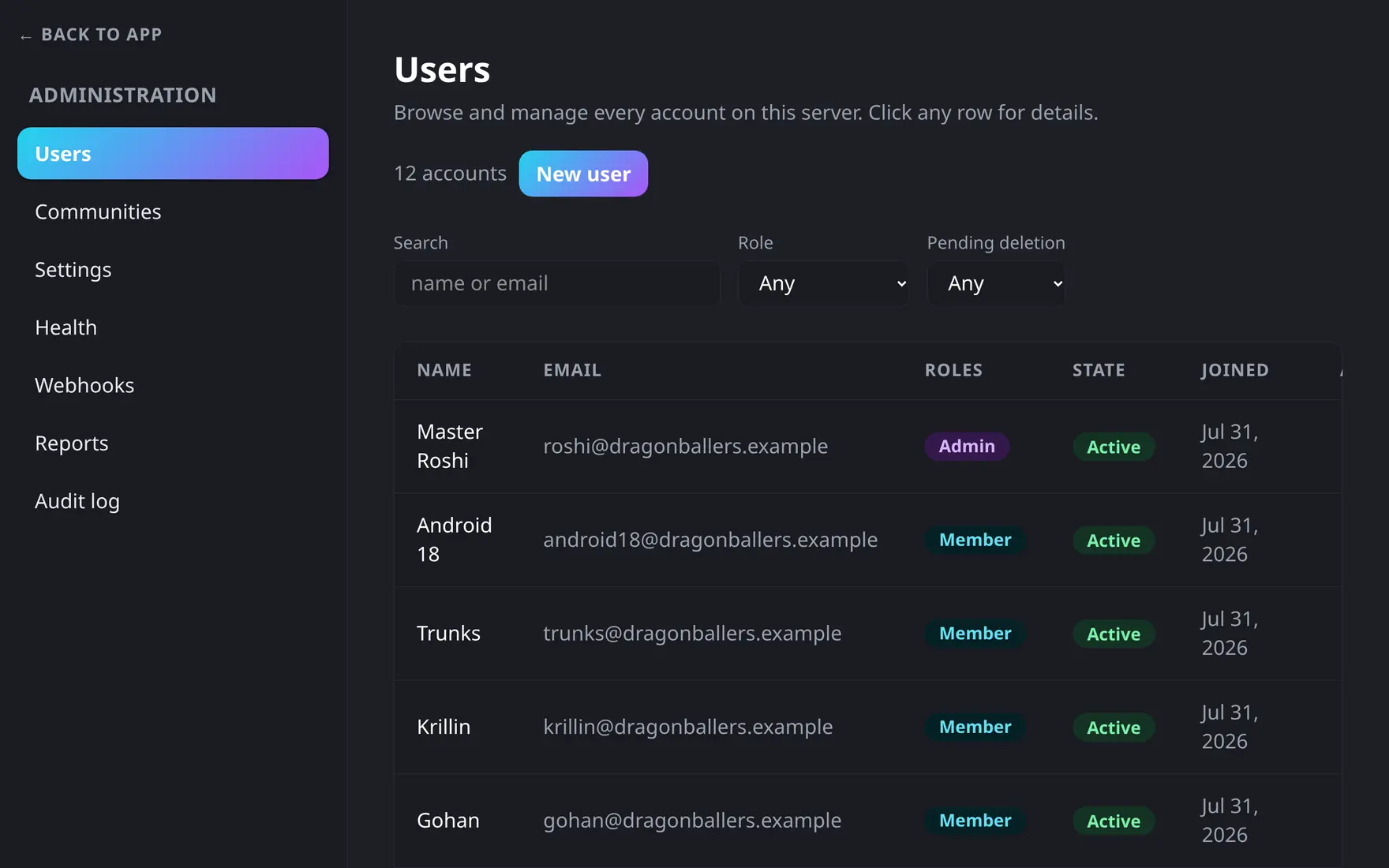
Every account on the server, with role and status at a glance.
Creating accounts
Three doors into the server:
- Open registration — users sign up themselves when
registrationEnabledis on. - Direct creation — an admin creates the account and sets a password.
- Provisioning with invite mail — an admin creates the account and the user receives an email to set their own password (needs SMTP configured).
Acting on accounts
Opening a user’s row slides out a drawer with everything the admin panel can do to that account:
- Display name — edit it in place.
- Role — grant or revoke the global admin role. (Bot accounts are locked out of this.)
- API keys — issue, list and revoke tokens for the account; see Bots & API keys.
- Disable 2FA — shown once the account has two-factor authentication turned on; deletes their secret and recovery codes so they can sign in with just their password and re-enroll. Audit-logged.
- Force-delete — the drawer’s danger zone, described below.
There is no “disable account” action — the panel edits a user’s display name and admin role, nothing else about their login state. To lock someone out of the server, issue a server ban from the moderation ladder instead: it’s taken from the user’s moderation modal inside a community (an admin-only rung), applies app-wide, and is refused at login.
Force-deleting an account
Normally deletion is user-initiated and runs on a 7-day grace period. The drawer’s Danger zone lets an admin skip that: Force-delete account anonymises the account immediately — no grace window, no waiting for the scheduler. It asks you to type the account’s email address to confirm.
Authored messages stay where they are; the author simply becomes “Deleted user”. An admin cannot force-delete their own account this way — use the normal self-deletion flow for that. Audit-logged.
Force-delete is immediate and irreversible — the account’s identifying data is gone the moment you confirm, with no grace period to cancel it in.
Rescuing a locked-out sole admin
The Disable 2FA action above needs another admin to click it — if the account that’s locked out of 2FA is itself the only admin, disable it from the server console instead:
docker compose exec app bin/console tyto:user:reset-2fa admin@example.comAlso audit-logged. See Troubleshooting for the full recovery-code-first path.